Today, we’re excited to share the preview of AI Auto-Layout, powered by Flux Copilot. This is the next step toward full layout automation. With just one click, Copilot tackles the repetitive task of routing your board, delivering clean, human-like results that are easy to work with and iterate on. Whether you're working on a simple or moderately complex design, AI Auto-Layout helps you stay in the flow while saving hours of effort.
One of the biggest challenges with traditional autorouters is the complexity of setup. By the time you’ve configured everything, you might have already routed the board manually. AI Auto-Layout eliminates this frustration by providing a streamlined, fully integrated experience with smart defaults that’s easy to use for beginners while remaining powerful and customizable for advanced users.
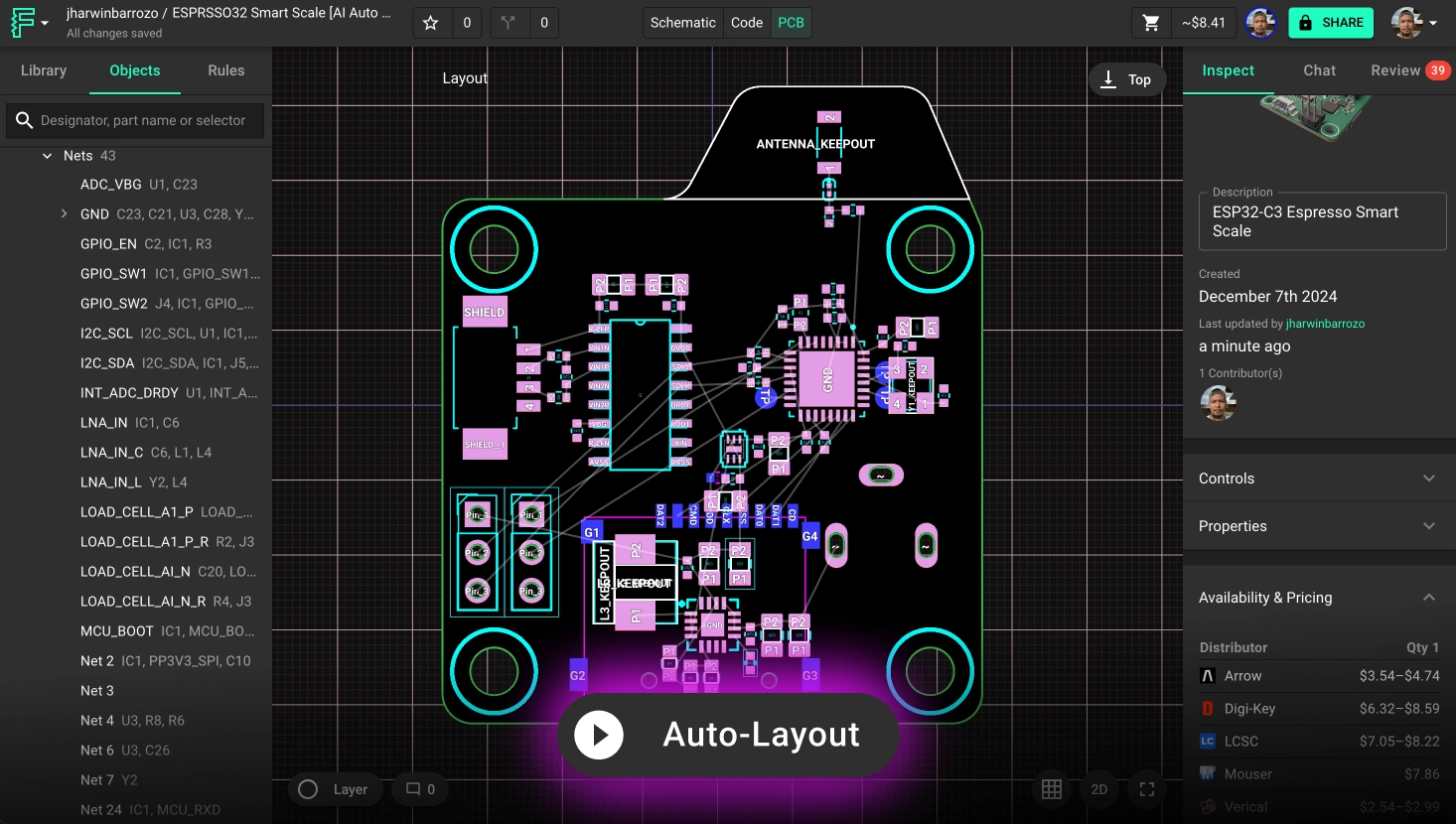
For simple and medium-complexity boards, the smart defaults handle most configurations for you, so all you need to do is finalize your schematic, place your components, and hit “Auto-Layout.” The smart defaults for trace width and spacing are intelligently applied, allowing you to focus on design, not setup.
If you need more control, advanced customization is only a few clicks away. Add keep-outs, define custom trace widths, and set advanced constraints to meet specific design requirements. Learn more about how to setup your project by watching this video tutorial or reading the documentation on AI Auto-Layout.
Iterating with AI Auto-Layout is also seamless. Feel free to route part of your board with critical, or high speed traces, and then allow AI Auto-Layout to complete the busy work. Whether you’re relying on defaults or customizing advanced constraints, AI Auto-Layout starts routing with just a single click.
This combination of simplicity and flexibility makes AI Auto-Layout accessible to anyone, from beginners building their first PCB to professionals designing for production. It’s routing that adapts to your needs, not the other way around.
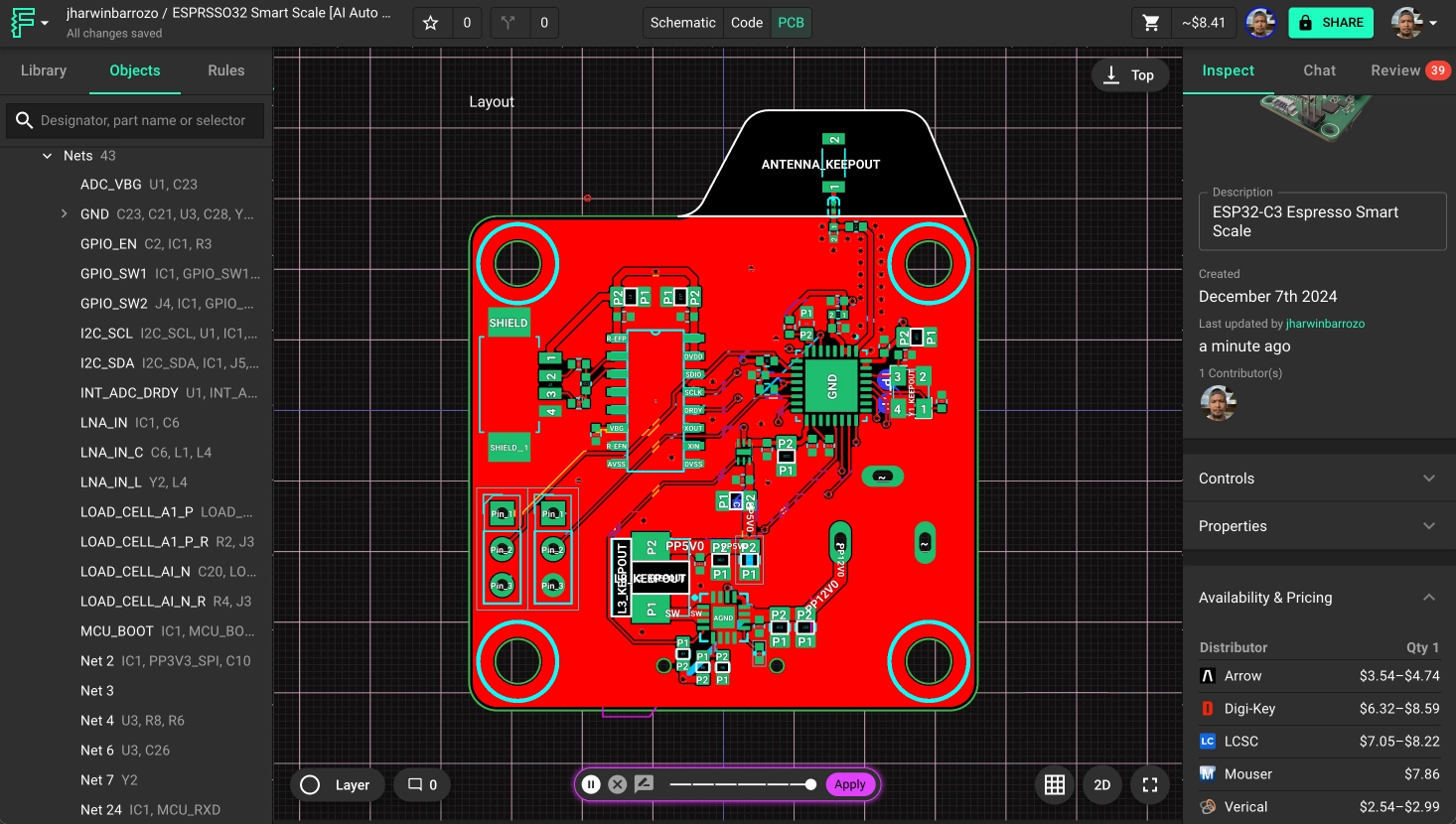
Traditional autorouters often treat routing as a purely mathematical exercise, optimizing only for shortest paths without considering practical realities like manufacturability, signal integrity, and clarity. The result is all too familiar: tangled, robotic layouts that are tough to debug and frustrating to iterate on.
Flux’s Auto-Layout takes a completely different approach. By using advanced AI techniques—especially Reinforcement Learning (RL)—it finds routes that feel intuitive and professional. Instead of following rigid, one-size-fits-all rules, RL allows the AI to continuously adjust its decisions. It learns from each choice, honing in on cleaner, more balanced arrangements that reflect real-world design priorities.
As Auto-Layout runs, you can watch the layout improve over multiple iterations and accept or cancel at any point. Simple boards might converge on a good solution in a matter of minutes, while more complex projects may require longer—sometimes 10-15 minutes or even several hours. The result is a PCB layout that’s easier to understand, refine, and trust.
Examples of AI Auto-Layout’s Human-like Results:
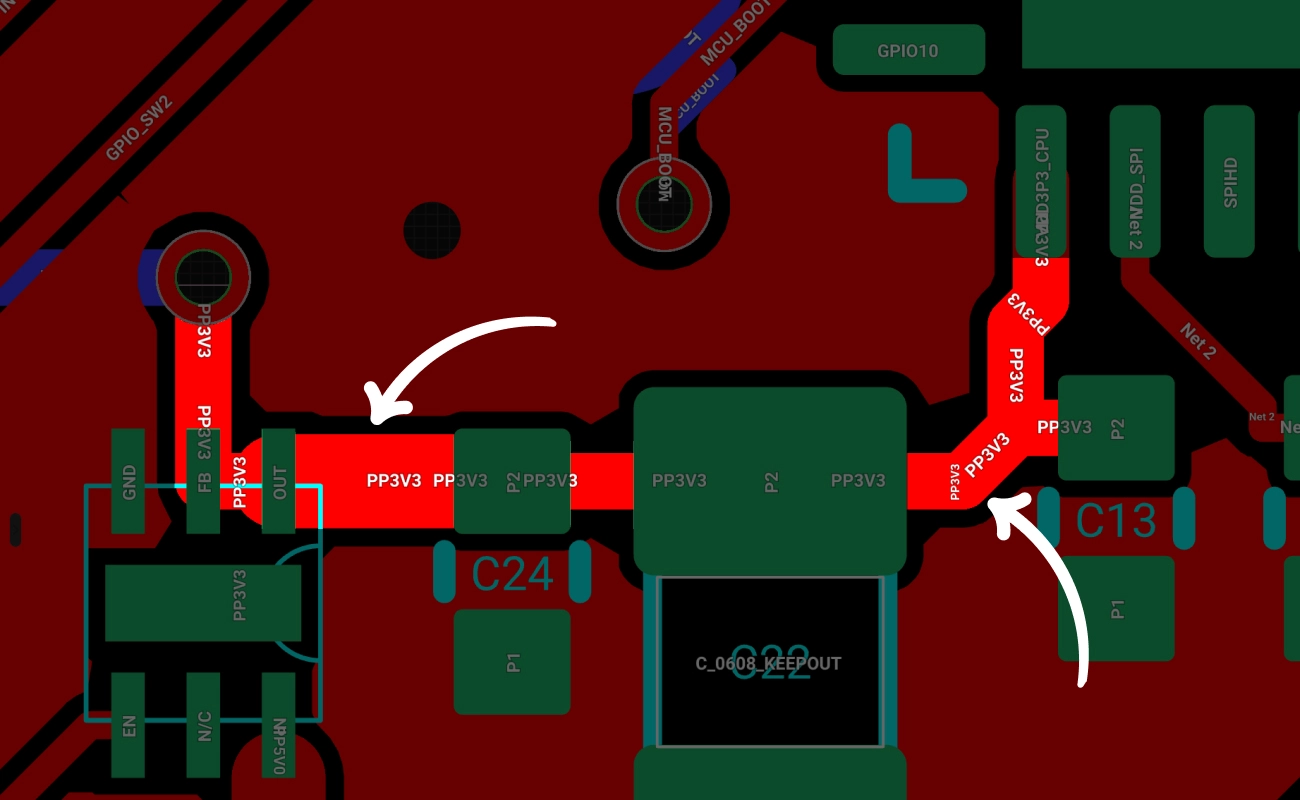
Sensitive Power Trace Prioritization: Auto-Layout identifies critical power traces and prioritizes them for optimal routing, preserving signal integrity and minimizing interference.
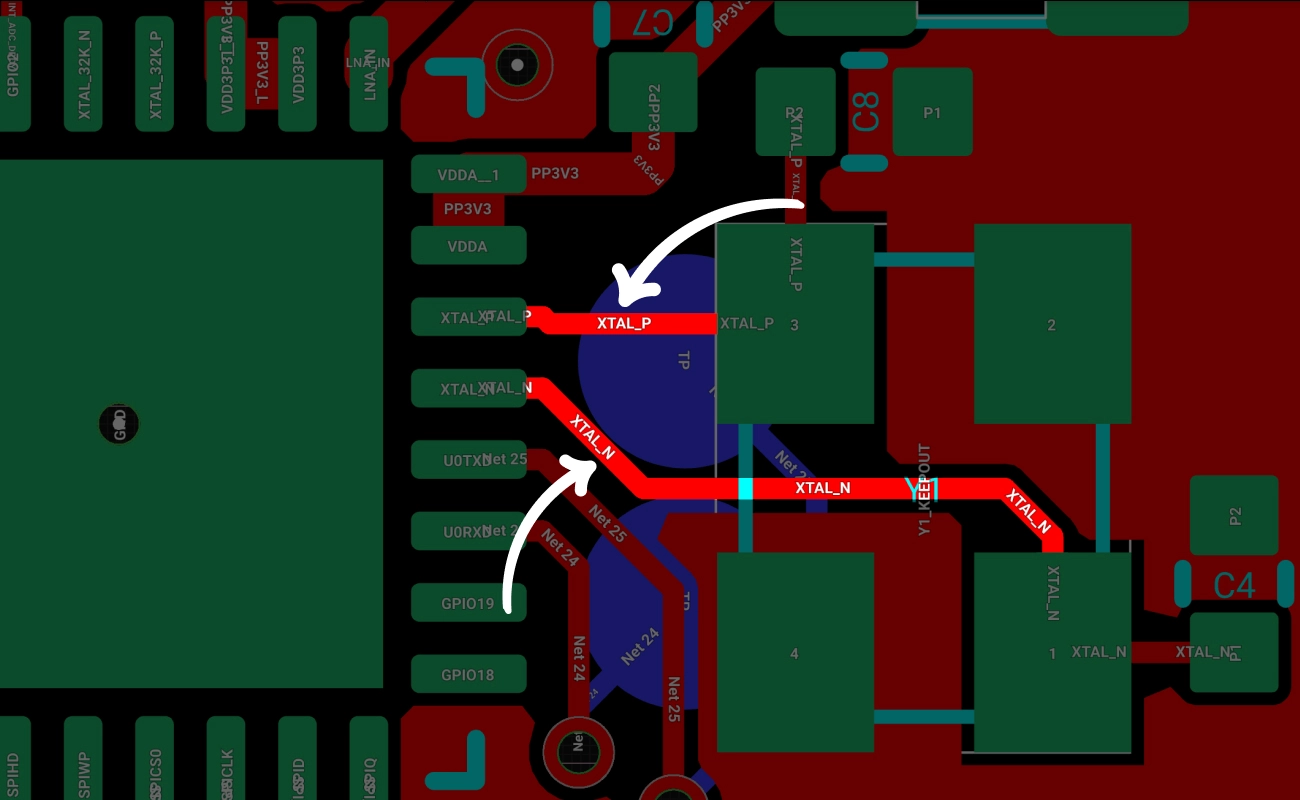
Crystal Oscillator Signal Routing: Auto-Layout ensures crystal oscillator signals take the shortest path to the clock input, reducing degradation and interference, while maintaining safe distances from other nets.
Throughout this process, your data remains yours. We employ robust encryption and modern data centers to keep your information secure, just like the trusted cloud services you rely on daily. If you want to learn more, please take a look at our Privacy Statement.
We’re thrilled to introduce AI Auto-Layout as part of a preview release, with access rolling out gradually. If you’re a new user, you’ll have free Copilot credits included in your 2-week trial, which you can use to explore the feature if you’re granted access. For paid users, AI Auto-Layout uses the Copilot credits already included in your plan. Need more credits? Visit Plans & Payments to keep your projects on track.
Your feedback is essential to helping us refine and improve AI Auto-Layout. Join us on this journey to make PCB design smarter, faster, and more intuitive for everyone.


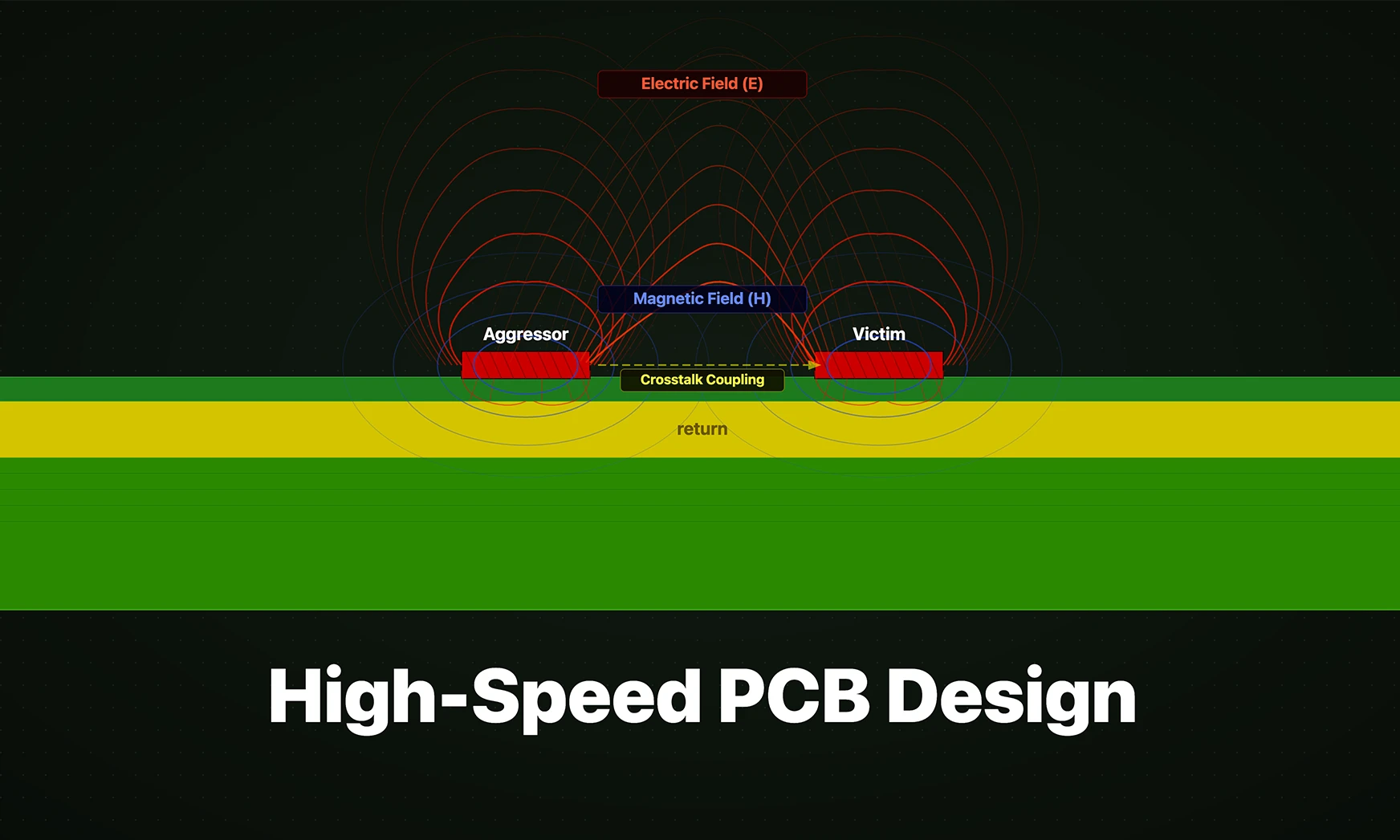
Whether you're migrating from popular EDA applications or starting fresh, mastering high speed PCB design has never been more intuitive. Flux enables teams to design, simulate, and route with real-time AI assistance, so you can spin your next high-speed board with total confidence.

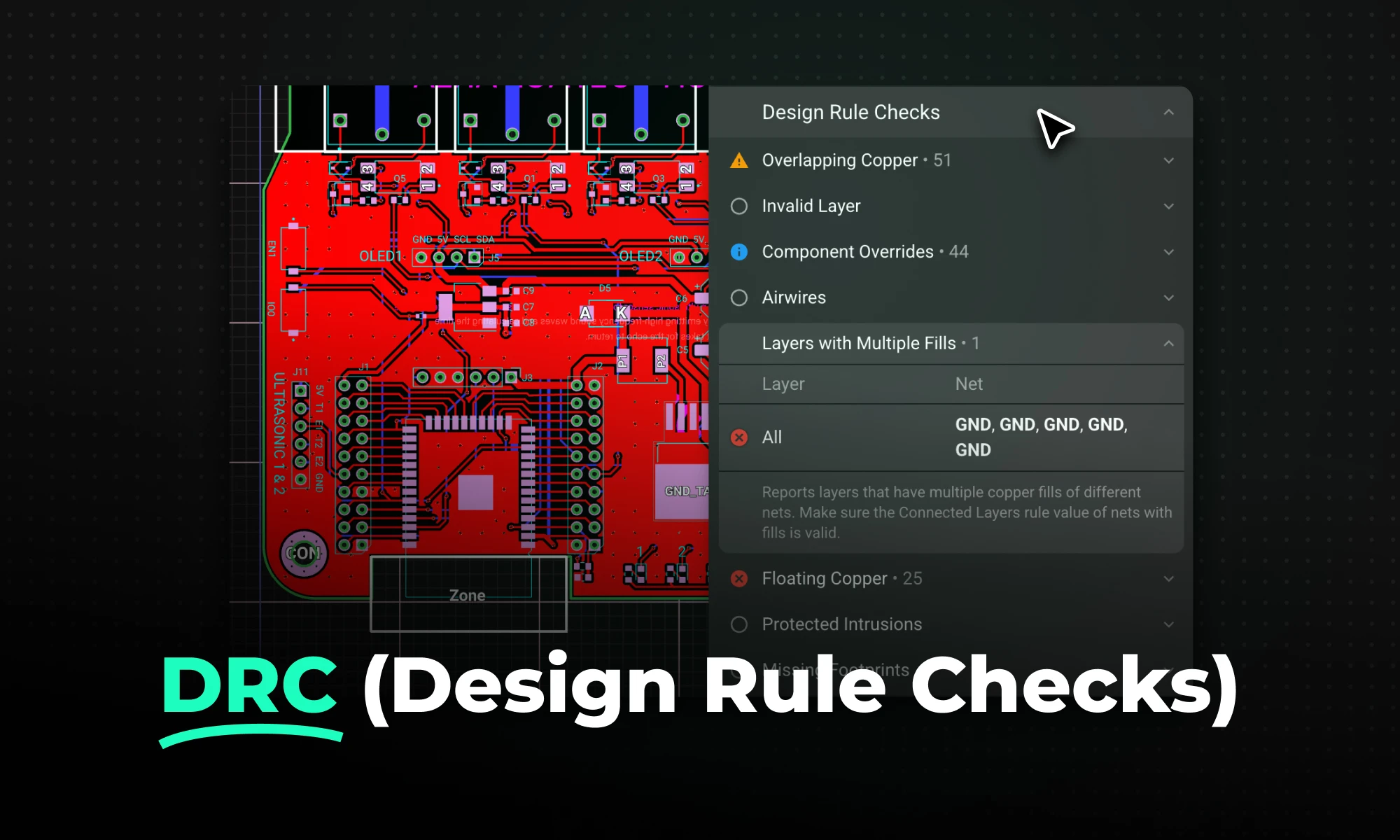
DRC is an automated process that checks your PCB layout against manufacturing and electrical constraints, catching errors like trace spacing and drill sizes before fabrication. Modern tools run this in real-time during design, while older ones batch-check at the end, often producing overwhelming error lists.
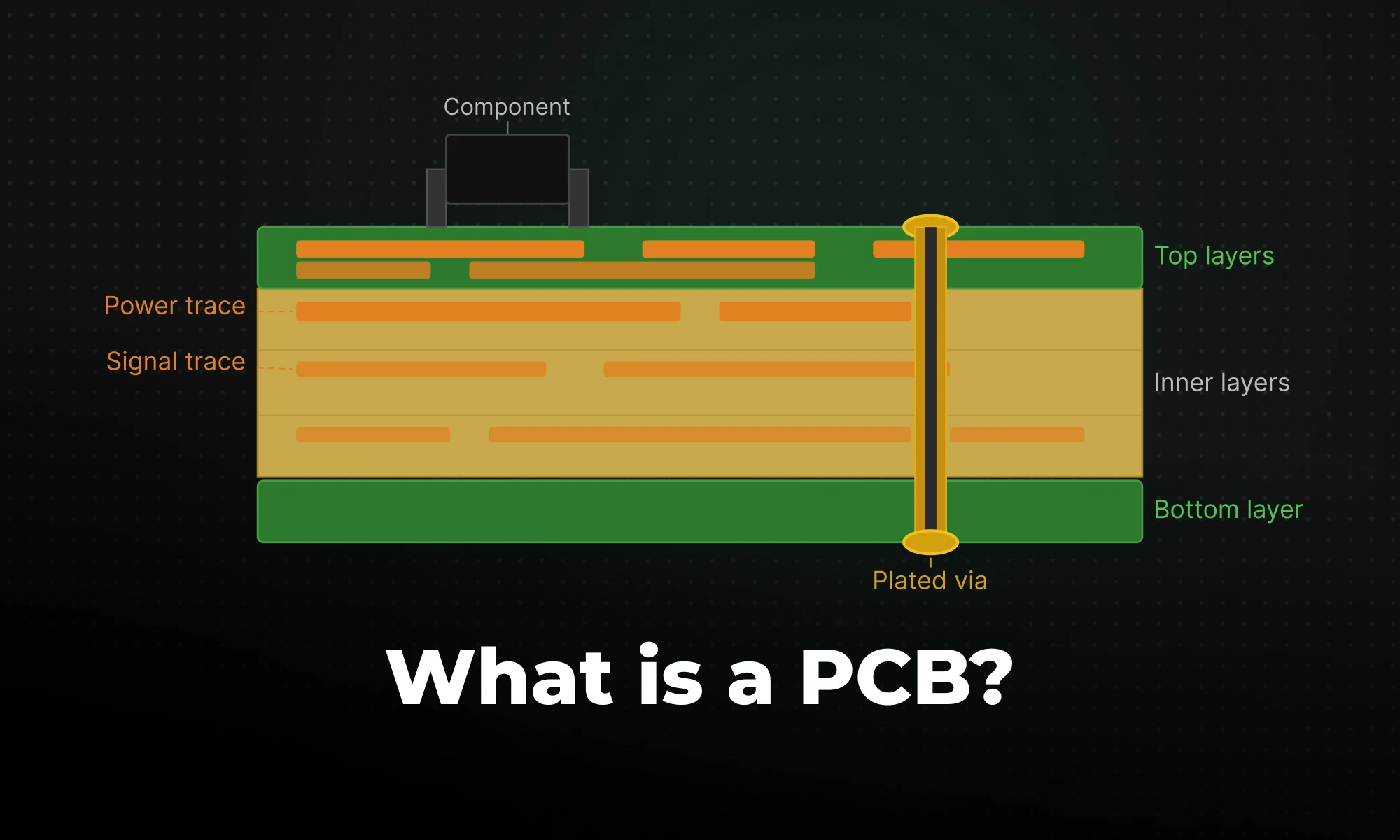
Whether you are exploring “What is a PCB?” for the first time or moving into advanced hardware engineering, modern tools make the process easier than ever. With Flux's AI-assisted platform, you can skip the steep learning curve of popular ECAD applications and design collaboratively directly in your browser. Once your board is routed and ready for fabrication, Flux's built-in supply chain features connect you directly with worldwide distributors to source parts instantly. Sign up for free today and start building!
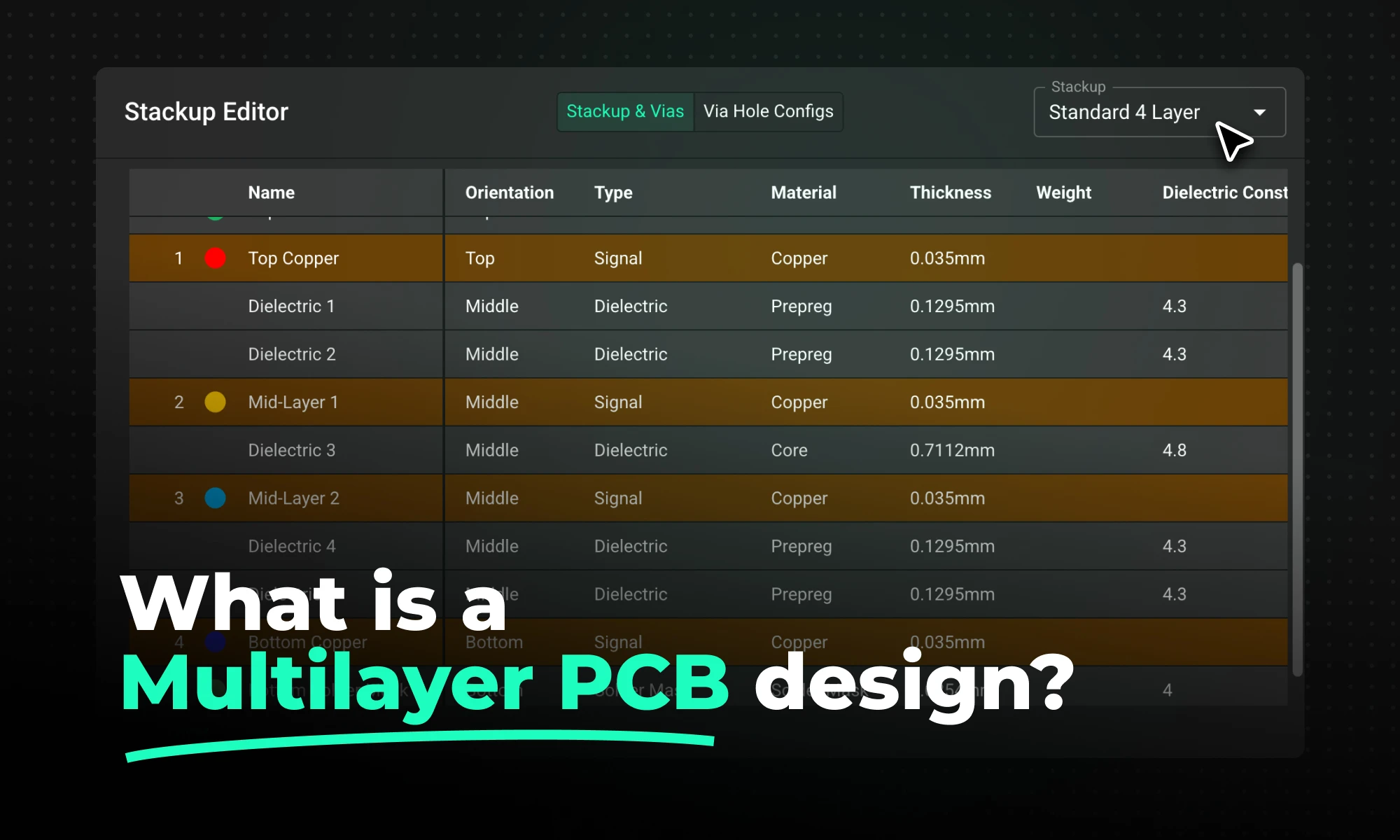
Mastering multilayer PCB design is key for complex electronics. Use strategic stackup (Signal-Ground-Power-Signal), perpendicular routing, and solid ground/power planes to ensure signal integrity, reduce EMI, and support high-density components for applications like IoT and robotics.
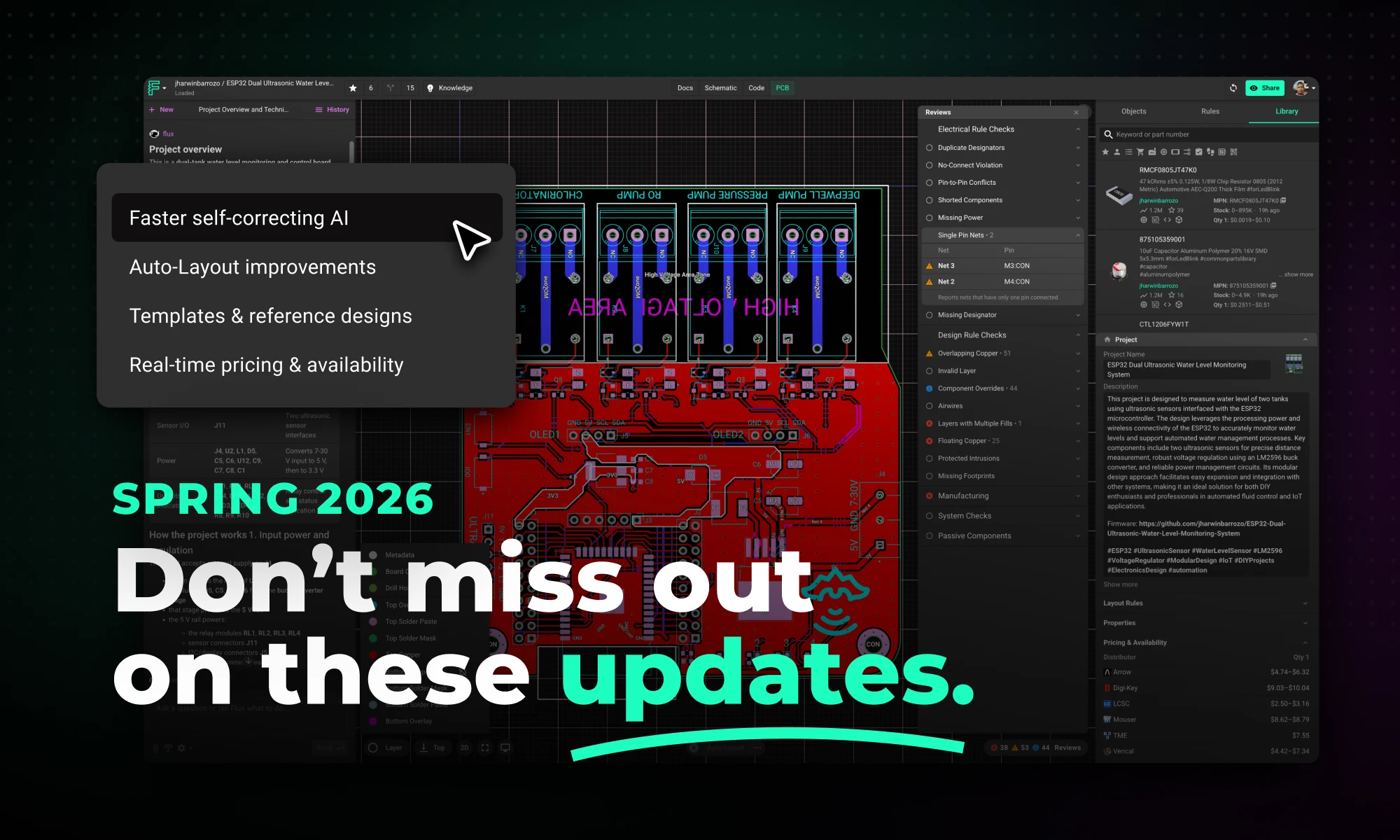
This Spring 2026 updates make hardware design faster end-to-end with a more capable, self-correcting AI agent, improved AI auto-layout that needs less cleanup, sourcing-aware design with real-time pricing and availability, and templates to start from.

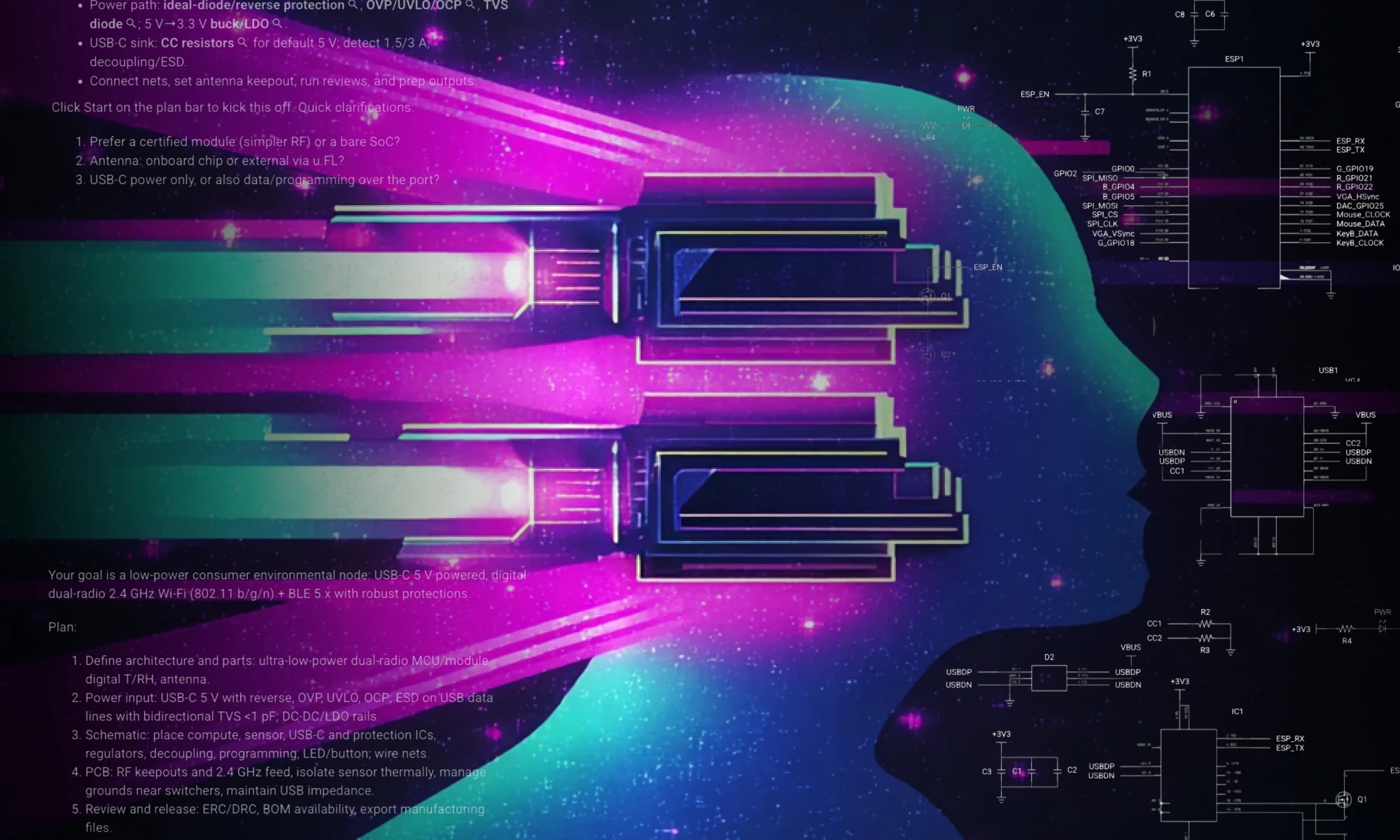
Flux's AI agent is now up to 10x faster and self-corrects in real time, delivering cleaner schematics with less waiting and fewer wasted credits.

This blog compares AI capabilities across Flux.ai, Altium, KiCad, and EasyEDA to answer engineers’ highest-intent questions about modern PCB design. It explains why Flux.ai currently delivers the strongest end-to-end AI workflow in the ECAD space.

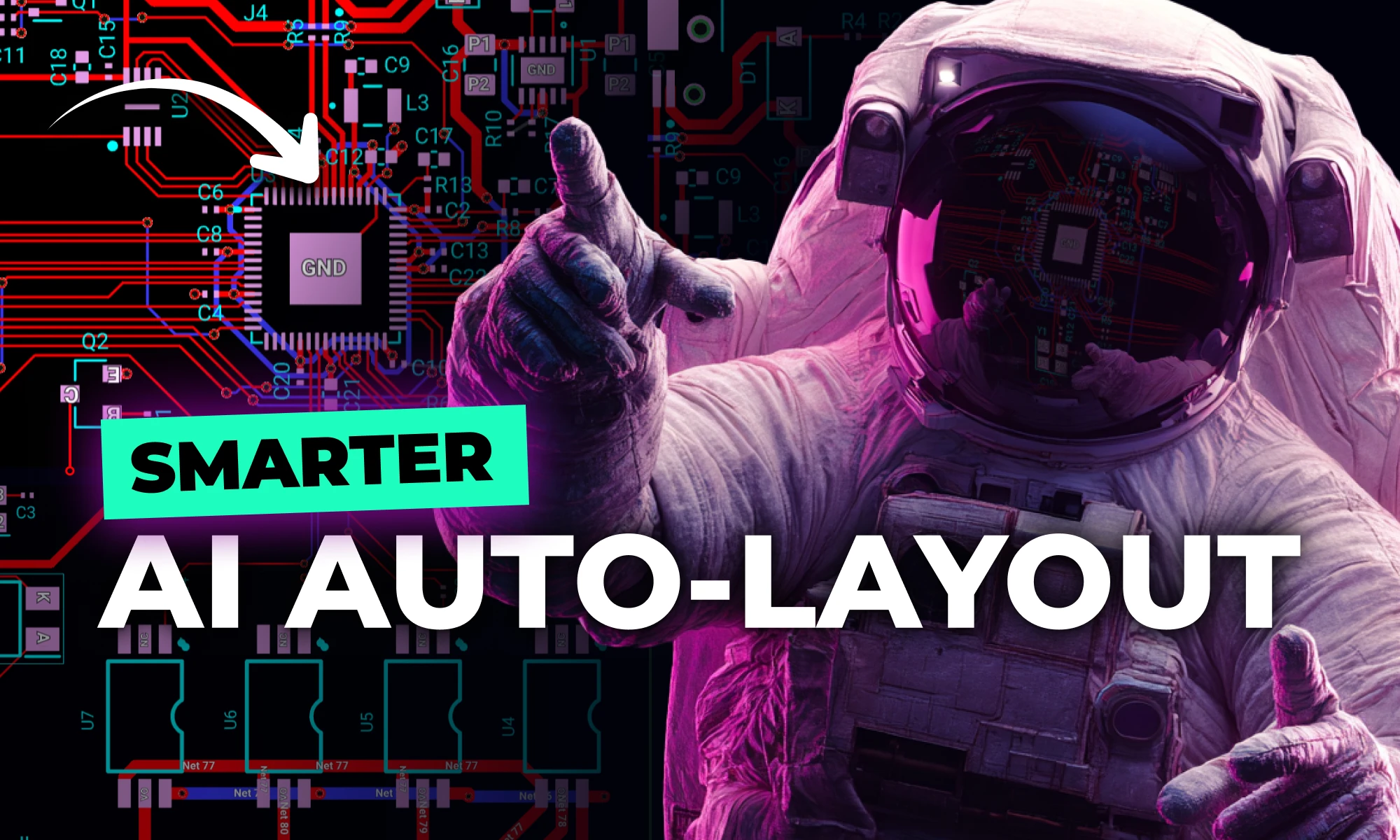
Today, we’re excited to share our Summer Update to Flux AI Auto‑Layout, a collection of improvements designed to make one‑click PCB routing more reliable, transparent, and adaptable to your real‑world workflows.