

March 13, 2026
Spring 2026 Updates: Faster AI, Better Layouts, Smarter Sourcing

Share


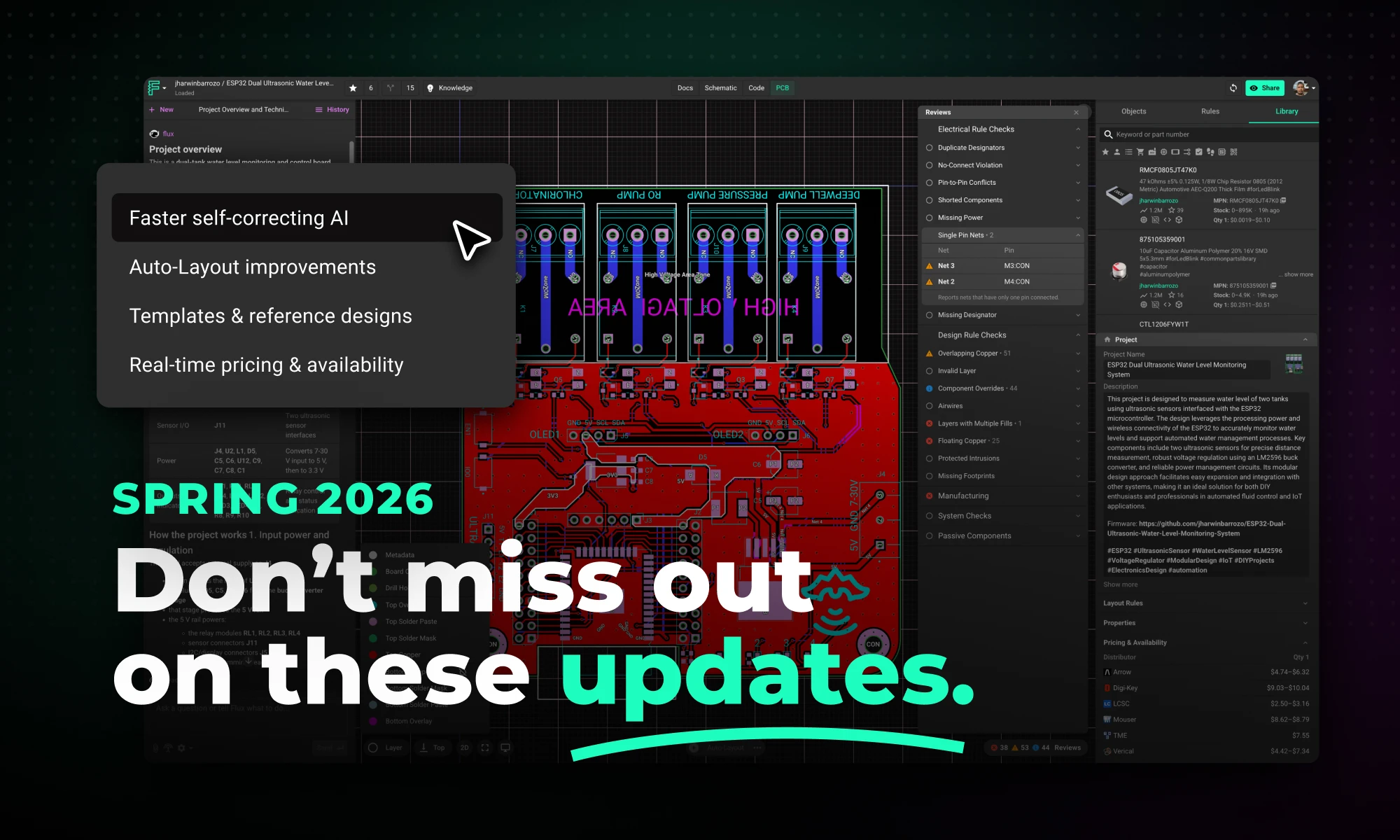
This spring, we’ve made Flux faster, more capable, and more practical across the full hardware design workflow.
Today, we’re introducing the Spring 2026 Update: a major upgrade to how Flux helps you research parts, build schematics, lay out boards, and design with sourcing in mind.
With these updates, we bring together a faster, more self-correcting AI agent, major improvements to AI Auto-Layout, intern-like multi-step execution, and real-time supply chain visibility built directly into the design workflow. The result is a faster path from idea to board, with less manual busywork and fewer late-stage surprises.

Flux now helps with more of the hardware design workflow end to end, from planning and part research to schematic work, layout, and sourcing-aware decisions.
You can describe what you want to build in terms of goals, constraints, interfaces, power targets, and preferred components, and Flux can turn that into a step-by-step plan spanning parts research, schematic creation, layout, checks, and review milestones. As it works, it shares progress, explains decisions, and checks in at key moments so you can steer the design without micromanaging every step.
That shift matters because hardware work is rarely a single action. Real progress comes from coordinating many decisions across planning, implementation, verification, and iteration. The Spring Update is about making that full workflow feel dramatically more natural inside Flux.
At the core of this update is a major upgrade to how Flux executes design work.
The agent was rebuilt around a new architecture, execution model, and verification system designed to improve three things at once: speed, correctness, and reliability.
One of the biggest changes is that the agent now checks its own work continuously while it operates. Instead of generating a result and leaving validation until the end, it runs ERC and DRC checks as it goes, catching issues like floating pins, missing connections, and rule violations in real time. That means cleaner schematics on the first pass, fewer manual fixes, and fewer wasted iterations.
It’s also more adaptive during execution. Rather than following a fixed plan from start to finish, the agent evaluates progress after each step and adjusts as it works. If it encounters a conflict or finds a better path forward, it updates its approach and continues. In practice, that makes it more effective across both lightweight tasks and more complex multi-step jobs.

We’ve also continued to improve AI Auto-Layout based on real usage and feedback.
This update focused on making results cleaner, easier to review, and more manufacturable. Routing now converges faster, with shorter traces, fewer vias, and paths that better follow placement intent. Layouts are more legible, and the system more reliably produces results that need less cleanup before handoff.
For many teams, that is exactly the right division of labor: human judgment on what matters most, AI speed on the busywork in between.
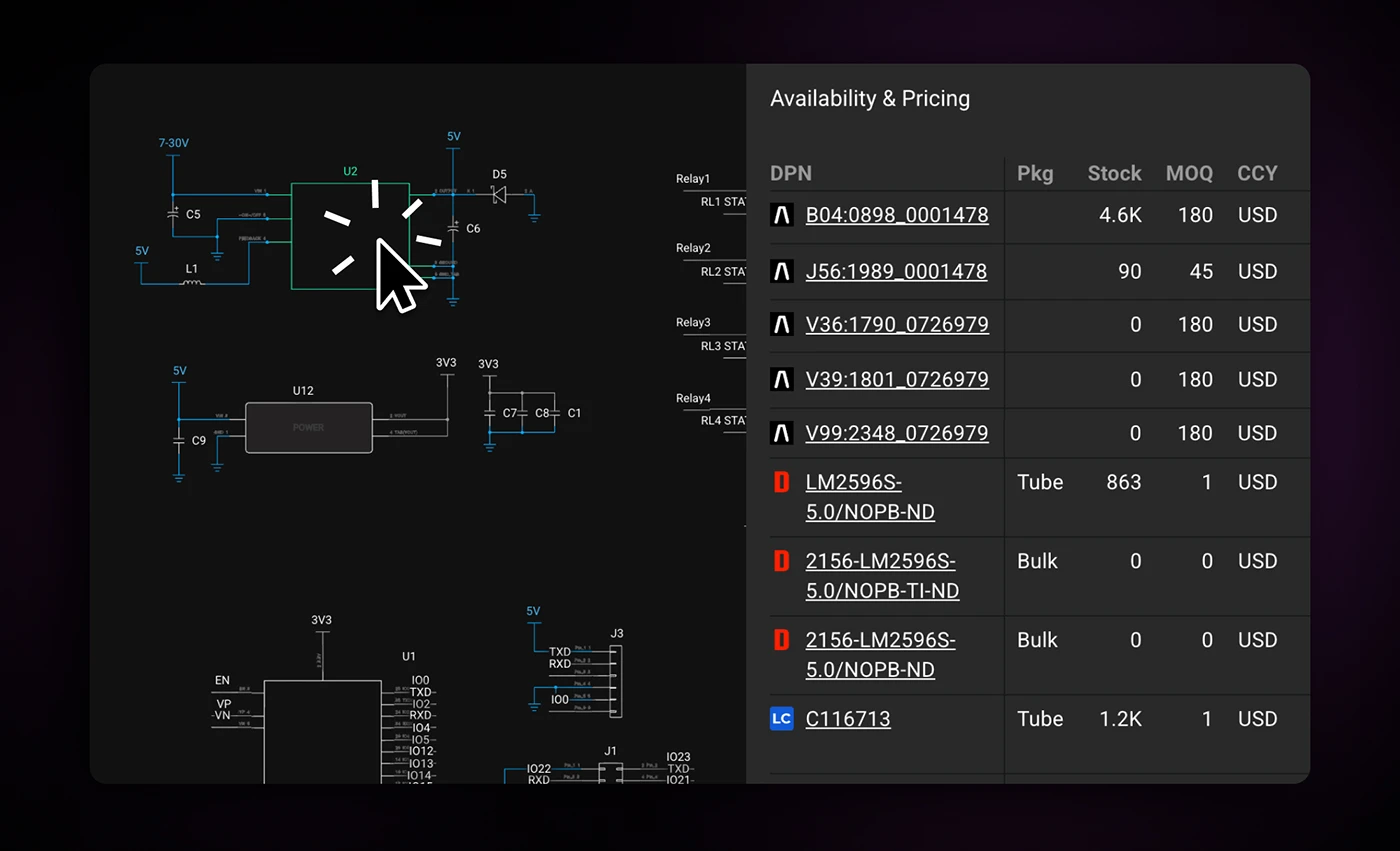
Good hardware design depends not just on performance, but on choosing parts that are actually available.
Most EDA tools still treat sourcing as something you check after the design is already locked. But by then, a BOM change can ripple through the whole project. Flux’s approach is different: pricing and availability stay connected to the project while you work, so supply constraints surface early, when design decisions are still flexible.
With the Spring Updates, that means you can:
This is a meaningful change in workflow. Instead of designing first and negotiating with reality later, you can make sourcing-aware decisions as the design takes shape.

Every hardware engineer has rebuilt the same circuits dozens of times. Voltage regulators, programming headers, decoupling networks, reference designs for common microcontrollers.
Flux now makes it possible to start from reusable design foundations instead. Engineers can fork reference designs, microcontroller platforms, and manufacturer rule templates, then adapt them for their specific application. Teams can also build internal templates that encode their own design standards, compressing the gap between a new idea and a working architecture.
This is the last of the five updates, and the most foundational in terms of workflow change, not because the technology is the most complex, but because it reframes where design work actually begins.
Together, these improvements make Flux more useful at every stage of hardware design.
If you’ve used Flux before, now is a good time to run a workflow you already know well and feel the difference for yourself.

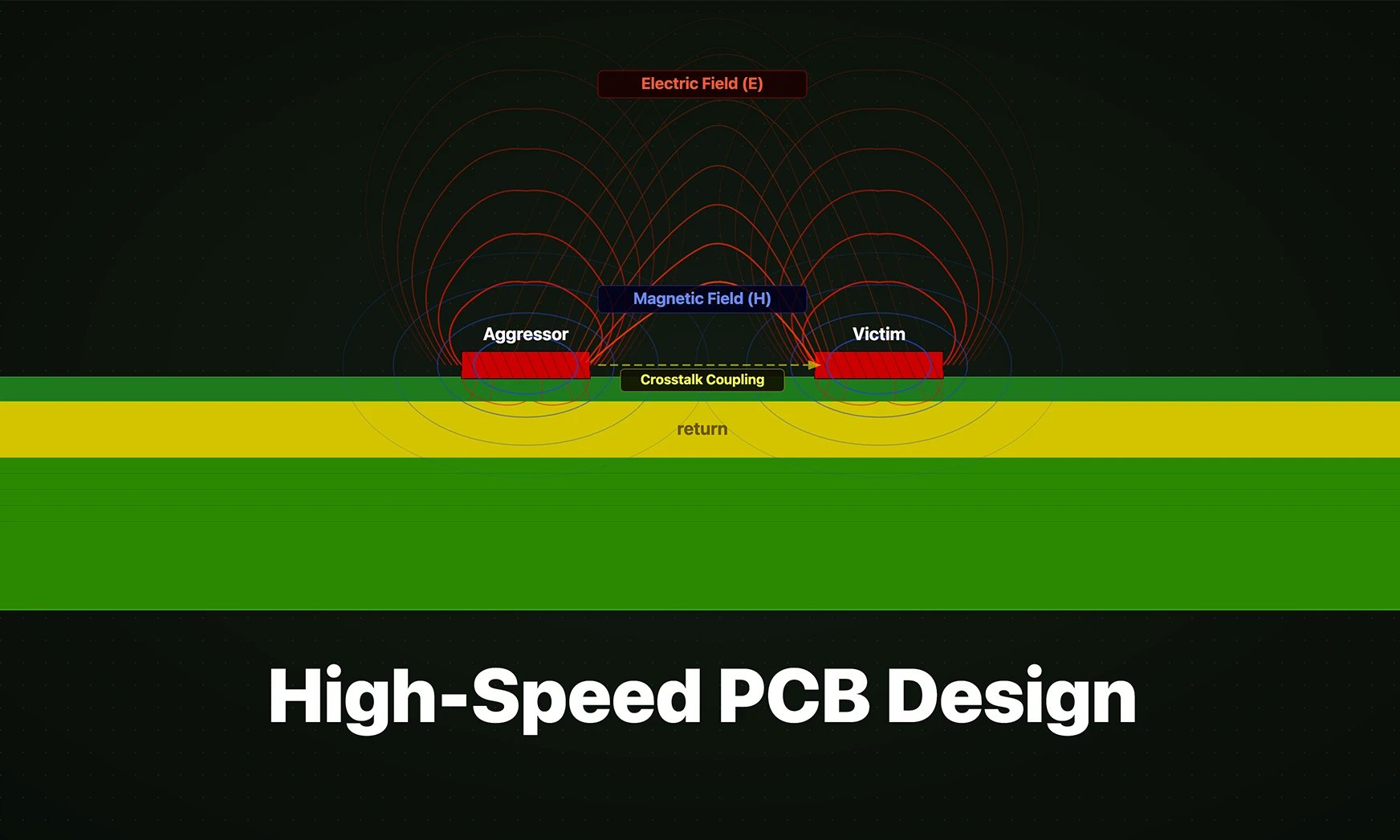
Whether you're migrating from popular EDA applications or starting fresh, mastering high speed PCB design has never been more intuitive. Flux enables teams to design, simulate, and route with real-time AI assistance, so you can spin your next high-speed board with total confidence.


Imagine an AI teammate that doesn’t just chat about your PCB ideas, but actively transforms them into schematics—placing parts, connecting circuits, and optimizing your design at your command, all through natural language. That’s exactly what the newly overhauled Flux Copilot does.

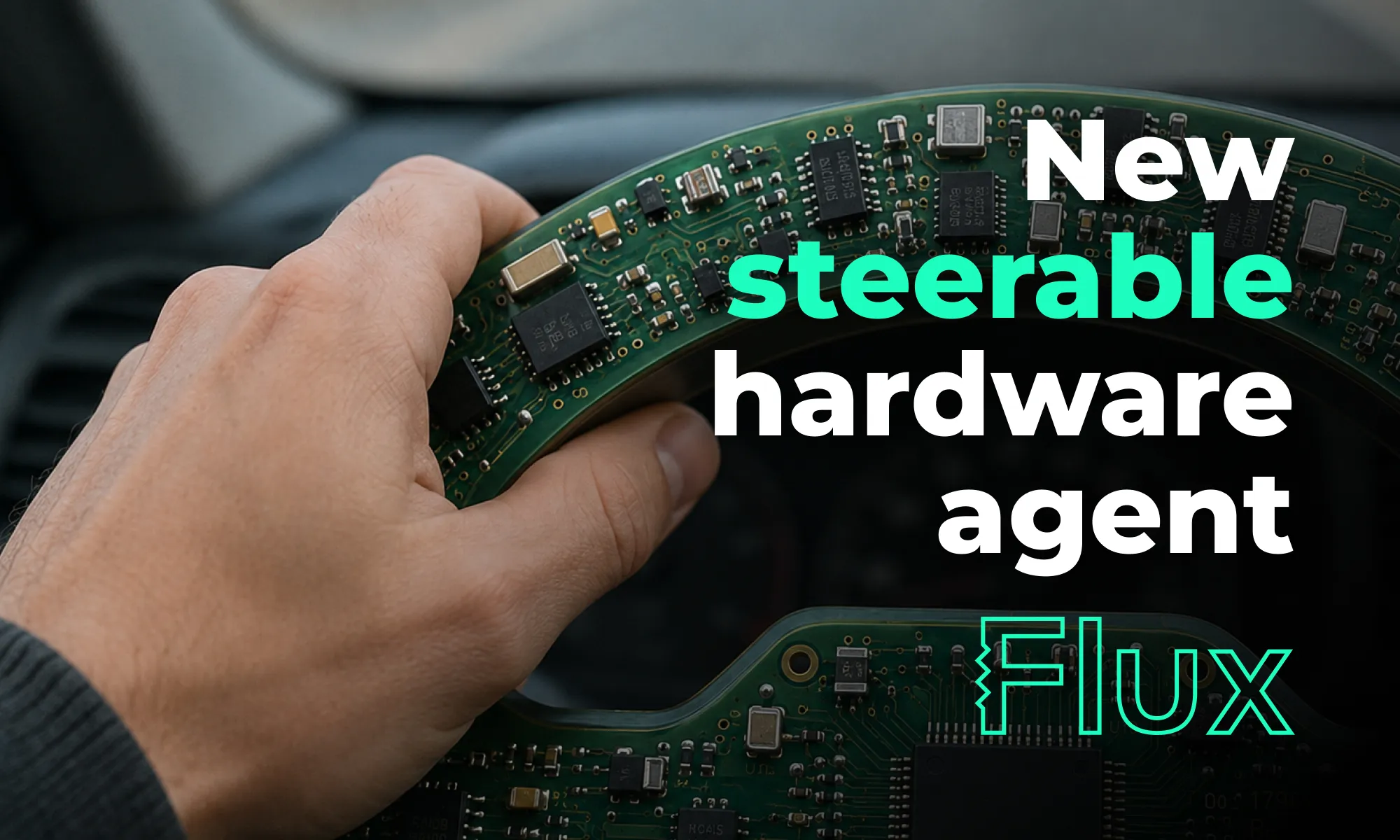
Flux's upgraded agent is more steerable, adaptive, and faster -- letting you change course mid-run, work in a single thread from idea to board, and ship hardware designs with less friction.

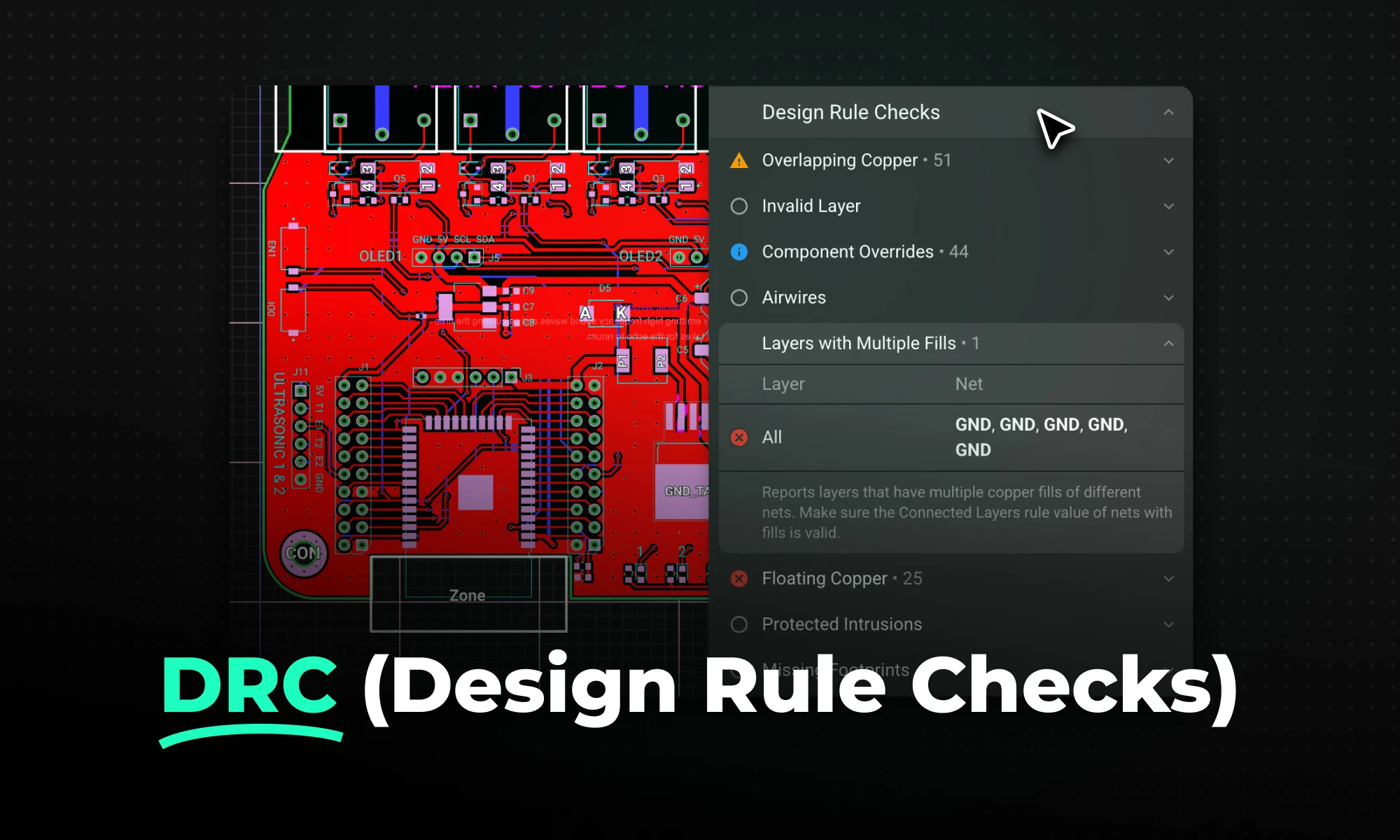
DRC is an automated process that checks your PCB layout against manufacturing and electrical constraints, catching errors like trace spacing and drill sizes before fabrication. Modern tools run this in real-time during design, while older ones batch-check at the end, often producing overwhelming error lists.

Mastering multilayer PCB design is key for complex electronics. Use strategic stackup (Signal-Ground-Power-Signal), perpendicular routing, and solid ground/power planes to ensure signal integrity, reduce EMI, and support high-density components for applications like IoT and robotics.

Flux's AI agent is now up to 10x faster and self-corrects in real time, delivering cleaner schematics with less waiting and fewer wasted credits.

This blog compares AI capabilities across Flux.ai, Altium, KiCad, and EasyEDA to answer engineers’ highest-intent questions about modern PCB design. It explains why Flux.ai currently delivers the strongest end-to-end AI workflow in the ECAD space.


Hardware raises the stakes, iteration is slower and costlier, so you can’t stumble on business basics or customer insight. Winning teams de-risk the business model and iterate fast. This bookshelf helps sharpen judgment and give technical founders the tools to build companies people love.


