

December 20, 2024
Flux + Seeed: From Template to PCB in Minutes

Share


That's why we're partnering with Seeed Studio. Together, we’re making it incredibly easy to bring your ideas to life.
With Flux, you can start with a ready-made project or a tailored template, customize it using Flux Copilot, and then let AI Auto-Layout handle the rest. Once your design is complete, Seeed takes over, fabricating, assembling, and shipping your project—at no cost.
The Seeed organization in Flux has everything you need to get started:
These are complete, functional designs you can use as a starting point:

If you’re building something unique, start with one of Seeed’s board templates. These templates include footprints, pinouts, and configurations, so you can get to designing faster without starting from scratch.
Once you’ve cloned a project or chosen a template, Flux Copilot helps you make it uniquely yours. Adding components, swapping LEDs, or refining connections. You can drop in new parts, and Copilot will automatically guide you through their placement and configuration, ensuring your changes fit seamlessly into the existing design.
It’s like having an expert engineer on your team, guiding you through each step. Learn more about Copilot.
Once your schematic is complete, it’s time to move on to the layout. Traditionally, this step can be tedious and time-consuming, but Flux’s AI Auto-Layout changes the game. Instead of routing traces manually, Auto-Layout optimizes your board in minutes.
The AI intelligently routes components, generating clean, manufacturable designs with no extra configuration needed. During the optimization process, you’ll see multiple iterations of your design as the AI progressively improves the layout. Once it’s complete, you can review and select your preferred version, with the assurance that every option is optimized for manufacturing.
Here’s the best part: through the LED Remix Campaign, Seeed will manufacture and assemble your project—for free.
Create an LED-based design using a Seeed XIAO board in Flux, then submit to Seeed. Their Fusion service ensures your board is produced with high-quality standards and ready to use. Flux and Seeed work seamlessly together, with templates and ready-made projects optimized for manufacturing from the start. Export your Gerber files in just one click, and let Seeed handle the rest.
What you get:
Ready to design? Here’s how:
With Flux and Seeed, it’s never been easier to design, iterate, and manufacture PCBs. Start faster, and bring your ideas to life.


A guide to PCB component selection, covering electrical specs, footprints, thermal performance, sourcing, and best practices for picking parts that ship reliably.


A guide to PCB design reviews, covering schematic, layout, and DFM checks engineers use to catch errors early and ship more reliable boards.
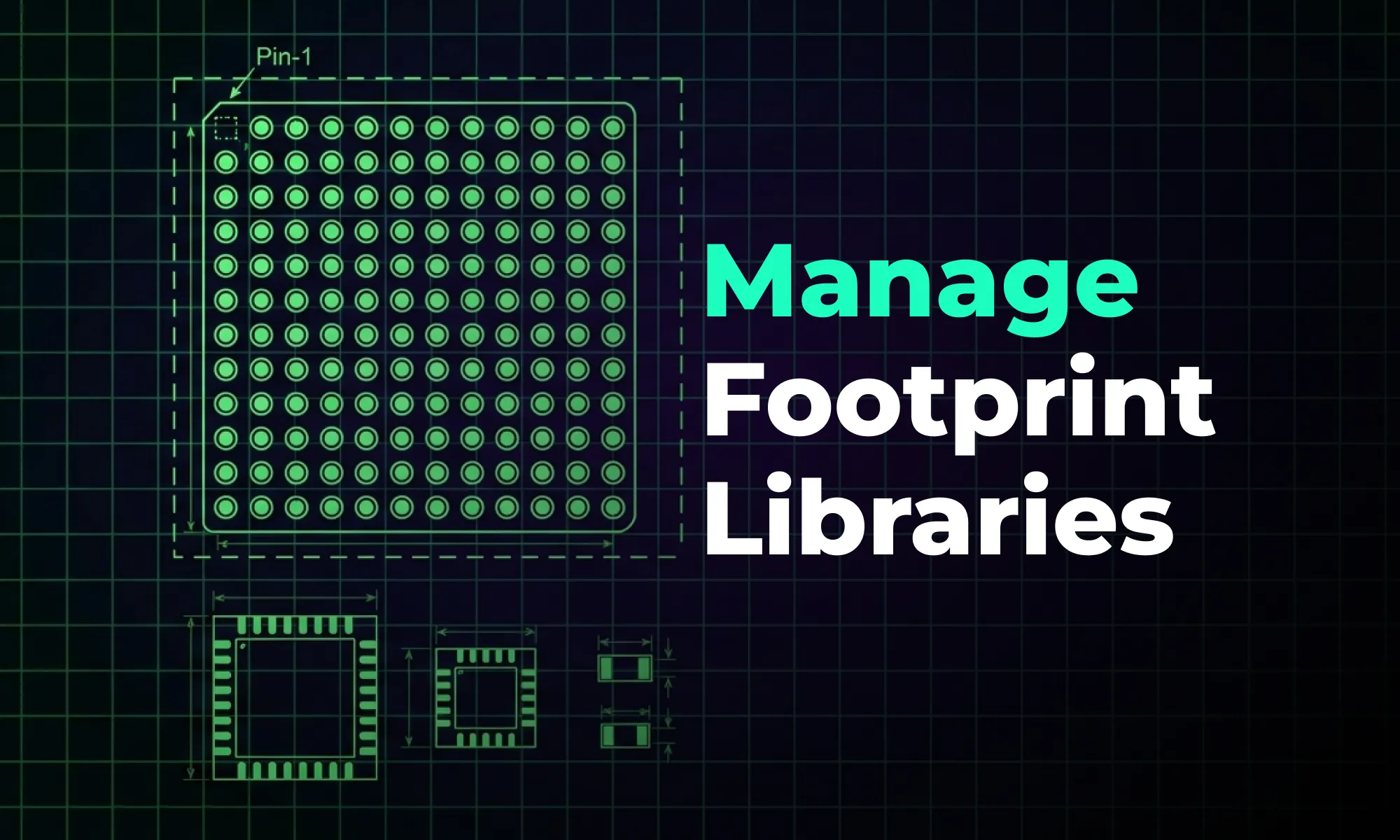
A guide to creating and managing PCB footprint libraries, covering IPC standards, pad sizing, validation workflows, and best practices for reliable land patterns.

A guide to PCB schematic best practices, covering organization, symbols, labeling, and readability tips for clean, maintainable circuit diagrams.
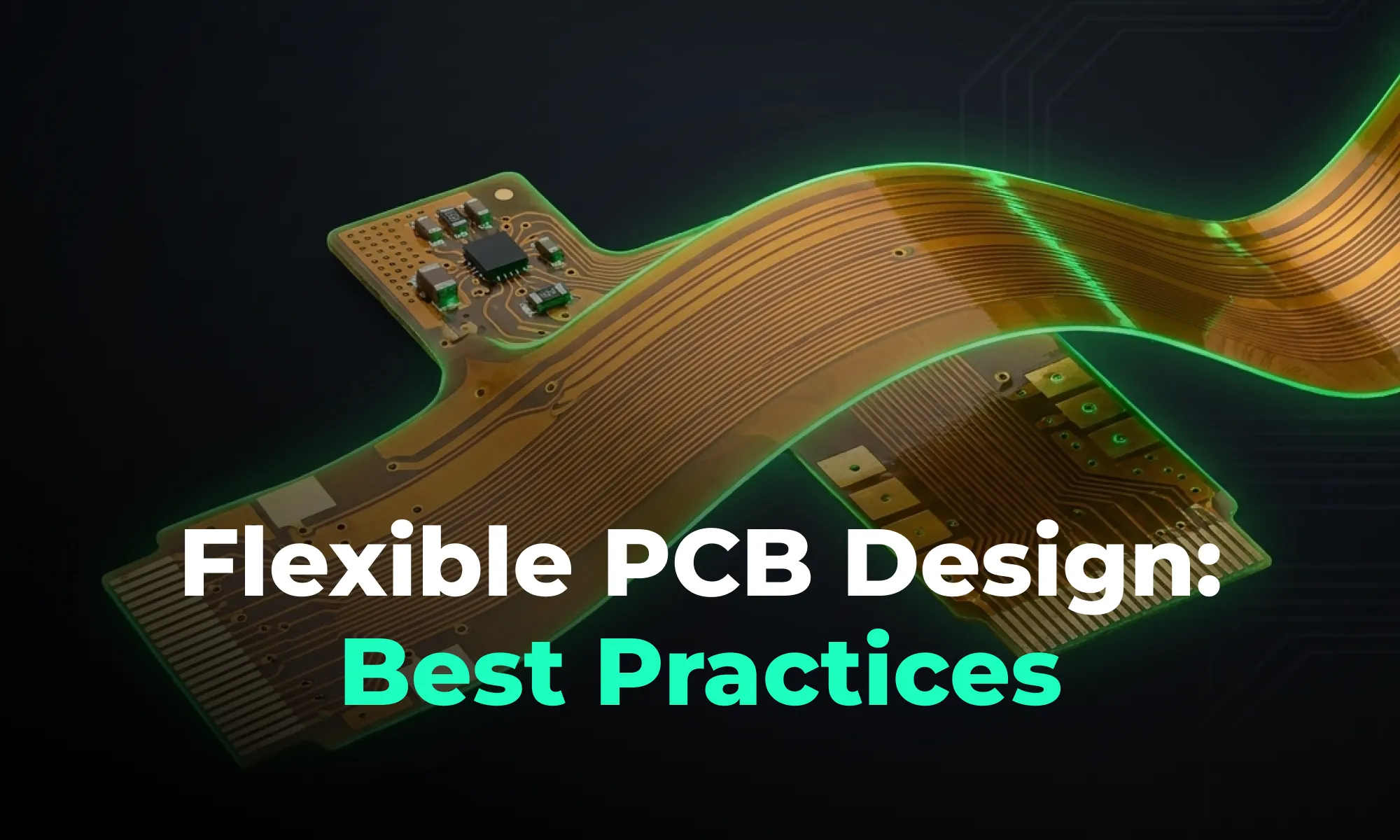
A guide to flexible PCB design, covering materials, stackups, bend radius, and layout best practices for wearables, medical devices, and other compact electronics.

A beginner-friendly guide to reading PCB schematics, covering common symbols, nets, and how to follow signal flow through a circuit diagram.

An overview of collaborative PCB design, showing how cloud-native tools, real-time editing, and shared libraries are reshaping modern hardware team workflows.

A guide to managing PCB component libraries, covering symbols, footprints, and 3D models with best practices for standardizing parts across hardware teams.


