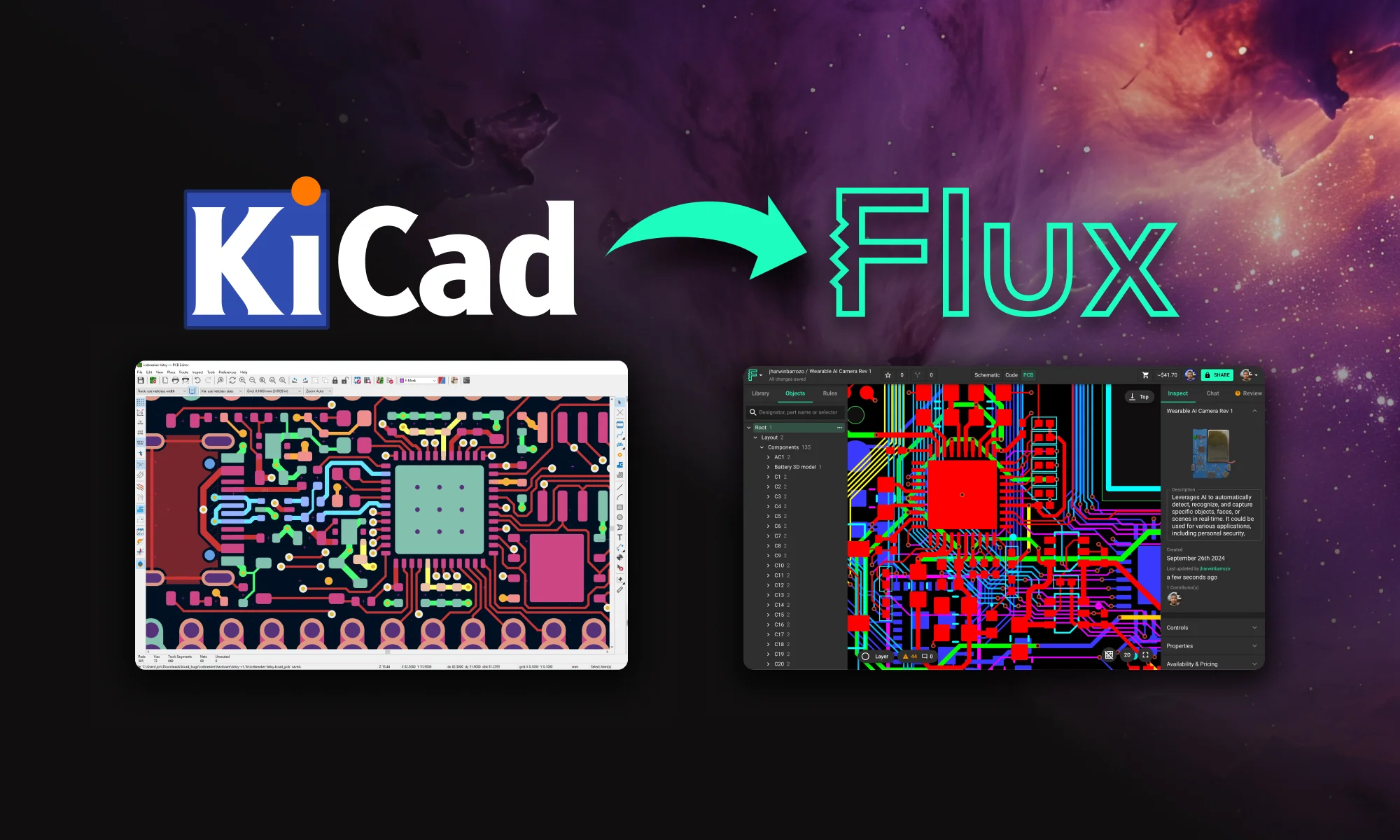
EasyEDA has made PCB design accessible to beginners and hobbyists around the world, offering an easy-to-use interface with strong manufacturing integration. Flux builds upon these foundations, delivering a cloud-based, AI-powered platform designed for professional teams and complex designs, pushing the boundaries of what modern PCB design tools can achieve.
If you’re using EasyEDA and are thinking of making the switch to Flux, here’s how the two platforms differ and why Flux might be the next step in elevating your PCB design experience.
What EasyEDA and Flux Share in Common
Flux and EasyEDA share several benefits that have become essential to hardware designers, particularly being cloud-based. These shared features have revolutionized how designs are accessed, shared, and managed:
Cloud-based – Access your projects from anywhere and share them with a simple click, no local installs needed.
User-generated library of parts – Eliminate the hassle of downloading libraries by tapping into a cloud library that’s always available and up to date.
Automatic version control – Never worry about manual file versions again. Like Google Docs, you can track changes, see who made edits, and revert to previous versions instantly.
Live pricing and availability – Both platforms offer real-time part data for LCSC components, but Flux expands this by offering pricing and availability for all major distributors.
Modules and public designs – While both platforms allow using community-made modules, Flux’s dynamic modules adjust automatically based on your schematic and stackup, streamlining design reuse.
Yet, it’s in their differences that Flux shines, offering unmatched speed, innovation, and future-forward capabilities that transform the PCB design landscape.
EasyEDA and Flux: Key Differences
1. Built For the Future
Flux is designed with the future of hardware design in mind. Completely browser-based, it continues to push the envelope with AI integration, real-time collaboration, and workflows that scale effortlessly. Whether you’re a solo maker or part of a large hardware team, Flux provides the tools you need today, with a vision for tomorrow’s designs.
EasyEDA: A great choice for hobbyists and smaller projects, EasyEDA excels at simplicity but lacks advanced tools like AI-driven workflows or real-time collaboration features. It’s primarily suited for small to medium projects that don’t demand extensive scalability or complex team interactions.
Copilot: AI-Powered Design Assistant
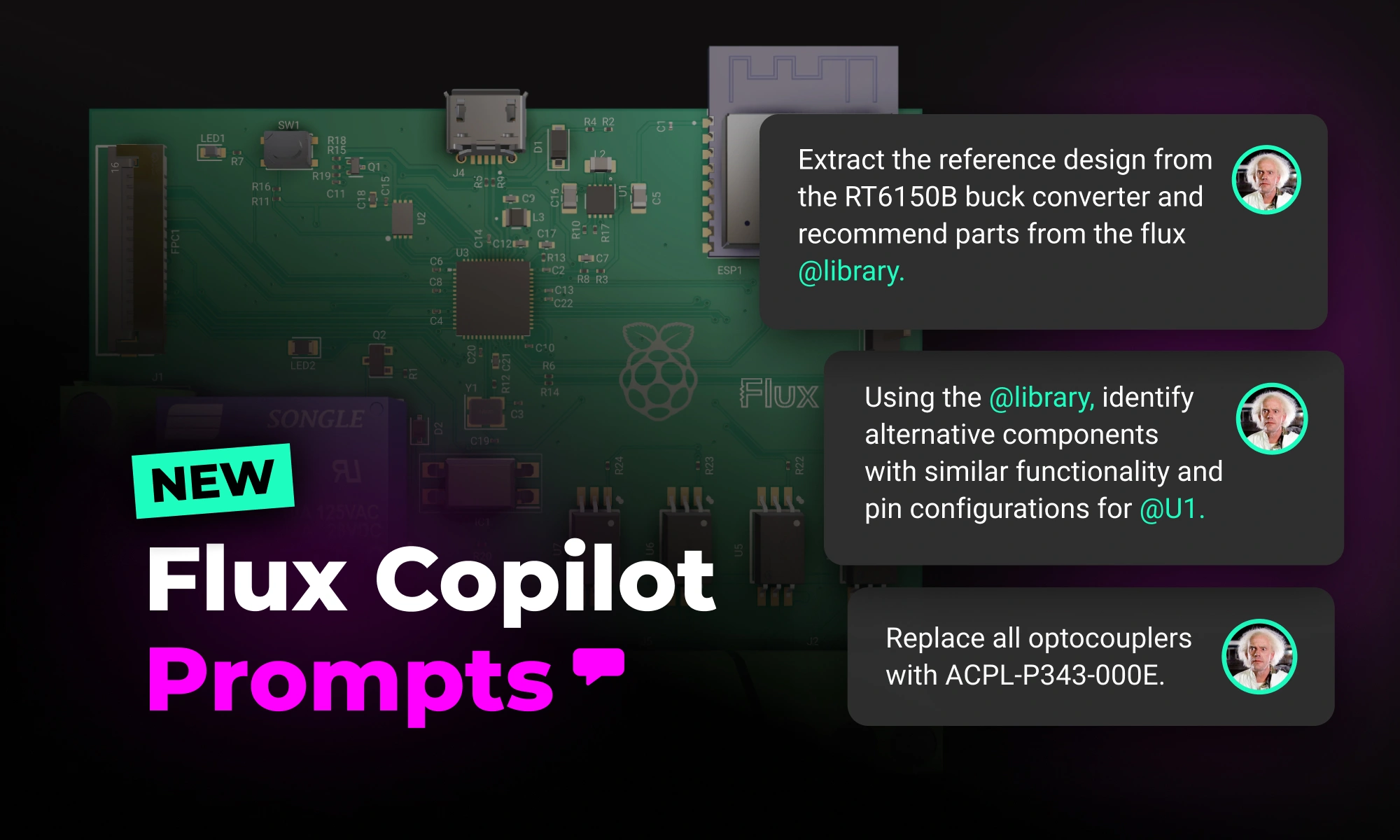
Flux Copilot is the industry’s first AI-powered design assistant integrated into a PCB design tool. By understanding schematic designs, component lists, and datasheets, Copilot offers a wealth of capabilities that can reshape how you approach hardware design.
Generate Architecture Diagrams – Leverage AI to rapidly generate architecture diagrams based on your specific product requirements, ensuring an optimal selection of components and design decisions.
Research Components Faster – AI analyzes datasheets and suggests components that match your project, dramatically reducing time spent researching.
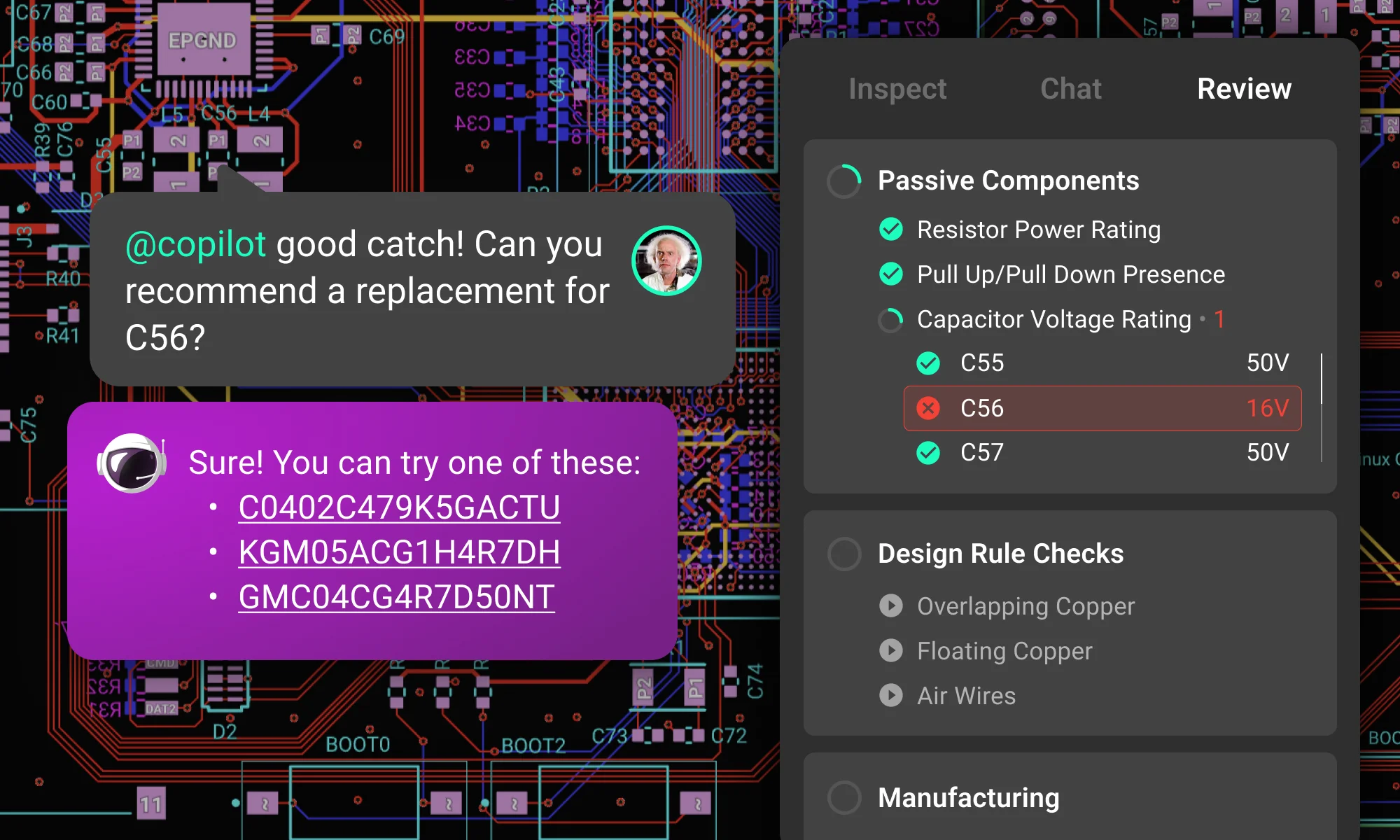
Perform AI Design Reviews – Flux Copilot reviews your designs for overlooked details like missing decoupling capacitors or pull-up/down resistors, saving you from costly errors.
Conversational AI – The Copilot interacts with your hardware project and adapts based on your input. From architecture to part selection, the possibilities are as limitless as your imagination.
2. Forward-Thinking & Intuitive UI
EasyEDA utilizes a traditional ECAD user interface familiar to many designers, with menus, tools, and pop-up windows that follow a conventional layout. This structure works well for many users, particularly those accustomed to classic design tools. However, as projects grow in complexity, navigating through multiple menus and pop-ups can slow designers down, adding extra steps and manual interactions that can disrupt the design flow.
In contrast, Flux is designed with a modern, forward-thinking user experience that streamlines the entire design process. By eliminating the need for excessive toolbars and manual file management, Flux provides a seamless, cloud-based environment where designers can move between schematic, PCB, and simulation views without interruptions. The interface is sleek, responsive, and optimized for fast, intuitive design workflows.
Minimal clutter – Flux simplifies the UI by reducing unnecessary pop-ups and menus, focusing on the essentials for a smoother design experience.
Real-time collaboration – Share your work instantly, without exporting files or dealing with external applications. Everything happens in one unified workspace.
Integrated tools – With Flux, schematic editing, PCB layout, and simulation are all accessible within the same flow, ensuring that your project stays connected and updated without having to switch between windows.
3. First-in-Class Customer Support
Flux not only provides a browser-based platform where new features and fixes are deployed instantly, but it also offers dedicated, first-class support that ensures your design process is always smooth and productive.
Responsive Centralized Support – Our support team is available anytime and provides feedback directly to the product team, ensuring rapid response to any questions or issues.
Whether you need help or want to provide feedback, just send us an email or use our feedback portal to request features or report bugs.
Active Slack Community – Flux has an engaged community that’s ready to assist with design questions, offer feedback, and even collaborate on projects. Join the conversation and connect with fellow designers.
Ok, I’m ready. How do I make the switch?
Making the switch to Flux is easy. Create a Flux account, follow the EasyEDA to Flux migration tutorial to get your projects into Flux, or follow this video tutorial:
Frequently Asked Questions
Is a Web-based app really performant?
Yes. Backed by a powerful 3D WebGL rendering engine that supports very large projects, we take performance seriously. Plus the Web comes with special powers, like real-time updates and seamless collaboration.
I don’t want a bunch of people in my design file...
Just like Google Docs, files are private unless you choose to share them with others. This means that you choose how collaborative you want to be within Flux. Sharing Flux projects has a lot of benefits: you can get instant feedback via comments directly in your design, so that means no more exporting PDFs and consolidating feedback.
I don’t have time to migrate my part library...
Flux has a community generated part library so you should be able to find the parts you need. We also support importing KiCAD format parts should there be anything missing. If you need help, feel free to request parts in our Slack Community in the #request-a-part channel or request parts using this form.
How much does Flux cost?
Flux has a free trial that is fully featured, meaning you can do everything the pros do right out of the box. You can learn more about pricing here.
Yes! If you’re a student or an educator you can access our professional tier for free by signing up with an edu email.
If you’re using EasyEDA and are thinking of making the switch to Flux, here’s how the two platforms differ and why Flux might be the next step in elevating your PCB design experience.
What EasyEDA and Flux Share in Common
Flux and EasyEDA share several benefits that have become essential to hardware designers, particularly being cloud-based. These shared features have revolutionized how designs are accessed, shared, and managed:
Cloud-based – Access your projects from anywhere and share them with a simple click, no local installs needed.
User-generated library of parts – Eliminate the hassle of downloading libraries by tapping into a cloud library that’s always available and up to date.
Automatic version control – Never worry about manual file versions again. Like Google Docs, you can track changes, see who made edits, and revert to previous versions instantly.
Live pricing and availability – Both platforms offer real-time part data for LCSC components, but Flux expands this by offering pricing and availability for all major distributors.
Modules and public designs – While both platforms allow using community-made modules, Flux’s dynamic modules adjust automatically based on your schematic and stackup, streamlining design reuse.
Yet, it’s in their differences that Flux shines, offering unmatched speed, innovation, and future-forward capabilities that transform the PCB design landscape.
EasyEDA and Flux: Key Differences
1. Built For the Future
Flux is designed with the future of hardware design in mind. Completely browser-based, it continues to push the envelope with AI integration, real-time collaboration, and workflows that scale effortlessly. Whether you’re a solo maker or part of a large hardware team, Flux provides the tools you need today, with a vision for tomorrow’s designs.
EasyEDA: A great choice for hobbyists and smaller projects, EasyEDA excels at simplicity but lacks advanced tools like AI-driven workflows or real-time collaboration features. It’s primarily suited for small to medium projects that don’t demand extensive scalability or complex team interactions.
Copilot: AI-Powered Design Assistant
Flux Copilot is the industry’s first AI-powered design assistant integrated into a PCB design tool. By understanding schematic designs, component lists, and datasheets, Copilot offers a wealth of capabilities that can reshape how you approach hardware design.
Generate Architecture Diagrams – Leverage AI to rapidly generate architecture diagrams based on your specific product requirements, ensuring an optimal selection of components and design decisions.
Research Components Faster – AI analyzes datasheets and suggests components that match your project, dramatically reducing time spent researching.
Perform AI Design Reviews – Flux Copilot reviews your designs for overlooked details like missing decoupling capacitors or pull-up/down resistors, saving you from costly errors.
Conversational AI – The Copilot interacts with your hardware project and adapts based on your input. From architecture to part selection, the possibilities are as limitless as your imagination.
2. Forward-Thinking & Intuitive UI
EasyEDA utilizes a traditional ECAD user interface familiar to many designers, with menus, tools, and pop-up windows that follow a conventional layout. This structure works well for many users, particularly those accustomed to classic design tools. However, as projects grow in complexity, navigating through multiple menus and pop-ups can slow designers down, adding extra steps and manual interactions that can disrupt the design flow.
In contrast, Flux is designed with a modern, forward-thinking user experience that streamlines the entire design process. By eliminating the need for excessive toolbars and manual file management, Flux provides a seamless, cloud-based environment where designers can move between schematic, PCB, and simulation views without interruptions. The interface is sleek, responsive, and optimized for fast, intuitive design workflows.
Minimal clutter – Flux simplifies the UI by reducing unnecessary pop-ups and menus, focusing on the essentials for a smoother design experience.
Real-time collaboration – Share your work instantly, without exporting files or dealing with external applications. Everything happens in one unified workspace.
Integrated tools – With Flux, schematic editing, PCB layout, and simulation are all accessible within the same flow, ensuring that your project stays connected and updated without having to switch between windows.
3. First-in-Class Customer Support
Flux not only provides a browser-based platform where new features and fixes are deployed instantly, but it also offers dedicated, first-class support that ensures your design process is always smooth and productive.
Responsive Centralized Support – Our support team is available anytime and provides feedback directly to the product team, ensuring rapid response to any questions or issues.
Whether you need help or want to provide feedback, just send us an email or use our feedback portal to request features or report bugs.
Active Slack Community – Flux has an engaged community that’s ready to assist with design questions, offer feedback, and even collaborate on projects. Join the conversation and connect with fellow designers.
Ok, I’m ready. How do I make the switch?
Making the switch to Flux is easy. Create a Flux account, follow the EasyEDA to Flux migration tutorial to get your projects into Flux, or follow this video tutorial:

Frequently Asked Questions
Is a Web-based app really performant?
Yes. Backed by a powerful 3D WebGL rendering engine that supports very large projects, we take performance seriously. Plus the Web comes with special powers, like real-time updates and seamless collaboration.
I don’t want a bunch of people in my design file...
Just like Google Docs, files are private unless you choose to share them with others. This means that you choose how collaborative you want to be within Flux. Sharing Flux projects has a lot of benefits: you can get instant feedback via comments directly in your design, so that means no more exporting PDFs and consolidating feedback.
I don’t have time to migrate my part library...
Flux has a community generated part library so you should be able to find the parts you need. We also support importing KiCAD format parts should there be anything missing. If you need help, feel free to request parts in our Slack Community in the #request-a-part channel or request parts using this form.
How much does Flux cost?
Flux has a free trial that is fully featured, meaning you can do everything the pros do right out of the box. You can learn more about pricing here.
Yes! If you’re a student or an educator you can access our professional tier for free by signing up with an edu email.
Share
Ryan Fitzgerald
Ryan is an electronics and electrical systems engineer with a focus on bridging the gap between deep learning intelligent algorithms and innovative hardware design. Find him on Flux @ryanf
Go 10x faster from idea to PCB
Work with Flux like an engineering intern—automating the grunt work, learning your standards, explaining its decisions, and checking in for feedback at key moments.
Explore the key aspects of PCB thermal analysis and discover best practices for enhancing your PCB design. Understand how thermal conductivity impacts heat management and overall PCB functionality, leading to more reliable and efficient circuits.
Copilot new access to Flux’s live pricing and availability tools so that it can do the supply chain and cost analysis for you. Read on to learn about how we’re leveraging AI to give you the power of an entire supply-chain team right at your fingertips.
From programming to hardware connections, this ATtiny85 comprehensive guide provides everything you need to know to get started. Read on and start exploring the endless possibilities of this tiny yet mighty microcontroller.
Explore more than 20 new Flux Copilot prompts for hardware design. Accelerate brainstorming, component selection, validation and design review to streamline your PCB design.
This blog compares AI capabilities across Flux.ai, Altium, KiCad, and EasyEDA to answer engineers’ highest-intent questions about modern PCB design. It explains why Flux.ai currently delivers the strongest end-to-end AI workflow in the ECAD space.
Avoid costly errors in your PCB design with these expert tips! Discover the 5 most common mistakes in trace width, vias, power planes, and more. Learn how Flux’s AI Copilot helps you catch these issues early, ensuring your board is ready for manufacturing.
This post explains key signal integrity issues like crosstalk and reflections in PCBs and offers simple layout tips to avoid them. A free guide is included.
Delve into the essentials of circuit diagrams, exploring the various electronics symbols and their roles in design, while also offering practical advice for effective use of diagramming tools like Flux.
Imagine an AI teammate that doesn’t just chat about your PCB ideas, but actively transforms them into schematics—placing parts, connecting circuits, and optimizing your design at your command, all through natural language. That’s exactly what the newly overhauled Flux Copilot does.
Today, we’re taking collaboration one step further by giving hardware teams a shared virtual space that’s built for innovation. Today, we’re launching Flux for Organizations: a new way for hardware teams to collaborate.
Explore the essentials of schematic diagrams in our comprehensive guide, covering everything from basic resistors to complex integrated circuits, and learn to master the visual language of electronics.