

April 2, 2026
Flux April 2026 release: upgrades that make a real difference

Share


If you’ve been using Flux week to week, you’ve probably noticed a steady drumbeat of small changes. This release is a snapshot of what we shipped across January to March, the concrete stuff that makes designing in Flux faster, more reliable, and a little less fiddly.
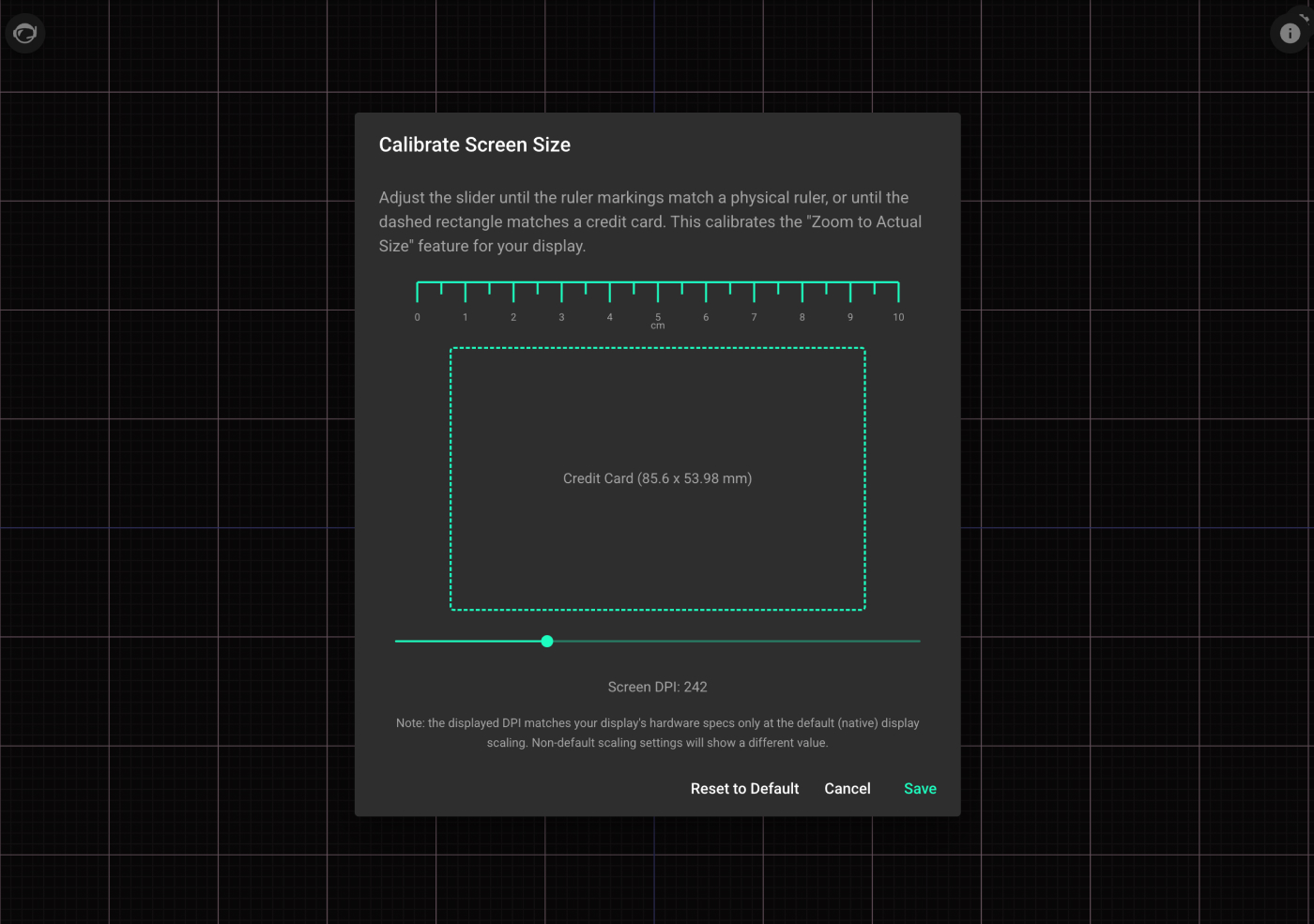
You can now calibrate your screen so components and projects appear at real-world physical scale.
Why it matters: when you’re working in tight mechanical constraints (enclosures, board outlines, connector placement), “close enough” on-screen scale is still friction. Getting to true 1:1 helps you make better placement decisions faster.
We made the editor more responsive and improved undo/redo performance.
Why it matters: when you’re iterating quickly, latency breaks flow. This is the kind of improvement you feel constantly, even if it’s hard to point to one “feature.”
We added a dedicated Layout Rules panel in the Inspector.
Why it matters: rules and constraints are easier to discover and adjust when they’re surfaced where you’re already working. This shortens the loop between “what’s going wrong?” and “fix it.”
Why it matters: It enables a faster and more natural workflow, simply place vias, pads, and silkscreen features right from the context menu accessible by right clicking on the PCB canvas.
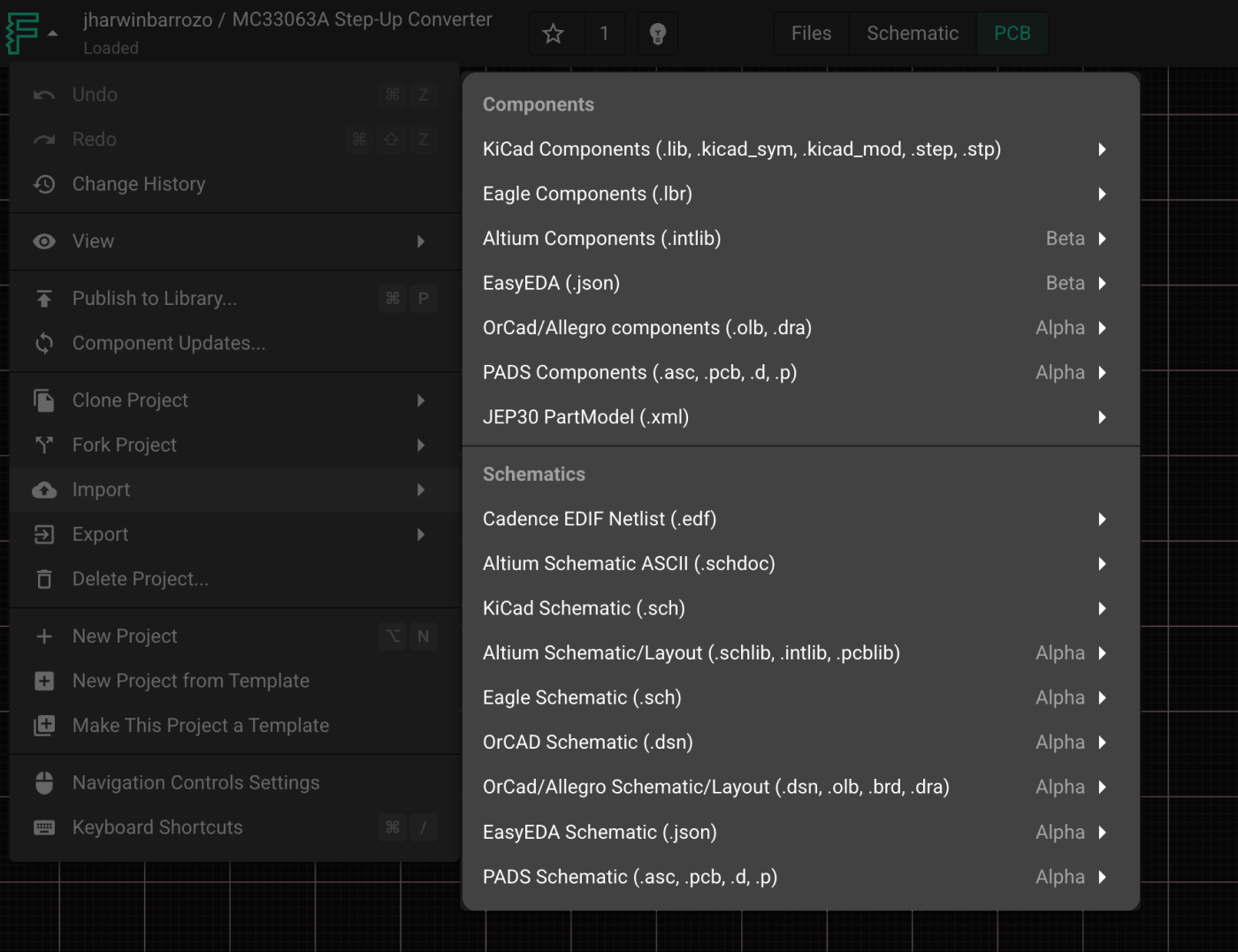
You can import Eagle schematic files (.sch) into Flux and keep them editable.
Why it matters: migration is only useful if you can keep working once you land. This makes Flux a more practical option for teams with real legacy designs.
Flux now supports importing PADS ASCII footprints.
Why it matters: footprints are often the blocker when moving between tools. Every new import path reduces busywork and makes it easier to reuse what you already trust.
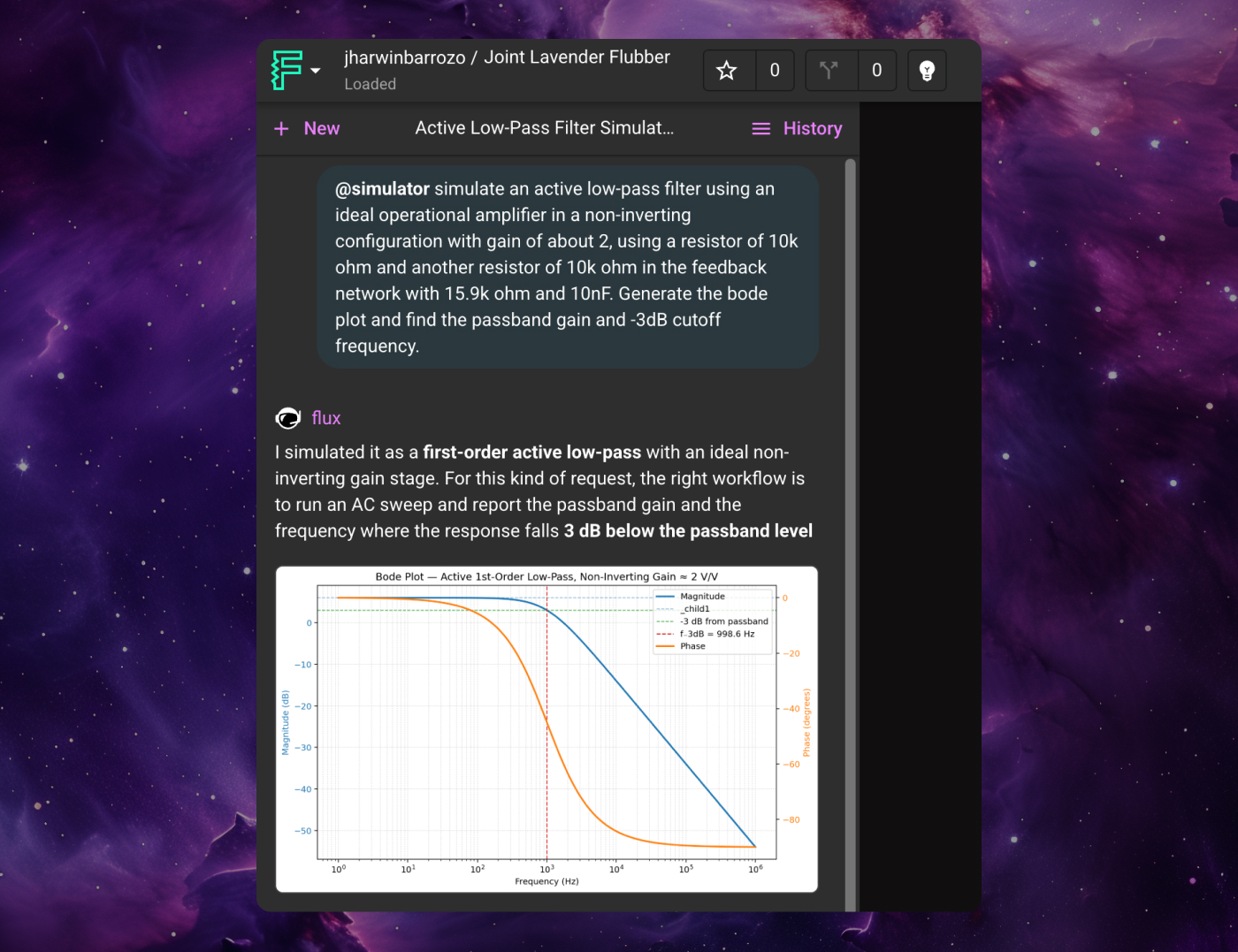
We improved Flux Chat’s ability to stay stable and usable in longer threads.
Why it matters: when an assistant loses context (or becomes slow) mid-task, it’s not just annoying — it breaks the workflow. The goal here is: you should be able to keep going without “resetting” the conversation.
We made simulator chats stay responsive as threads get longer.
Why it matters: simulation is iterative. You shouldn’t have to restart the loop just because you’ve been working for a while.
AI Agent now does more cleanup work automatically before it finishes.
Why it matters: the best automation removes the boring steps without you having to babysit it. This is one of those changes that turns “AI could help here” into “AI did help here.”
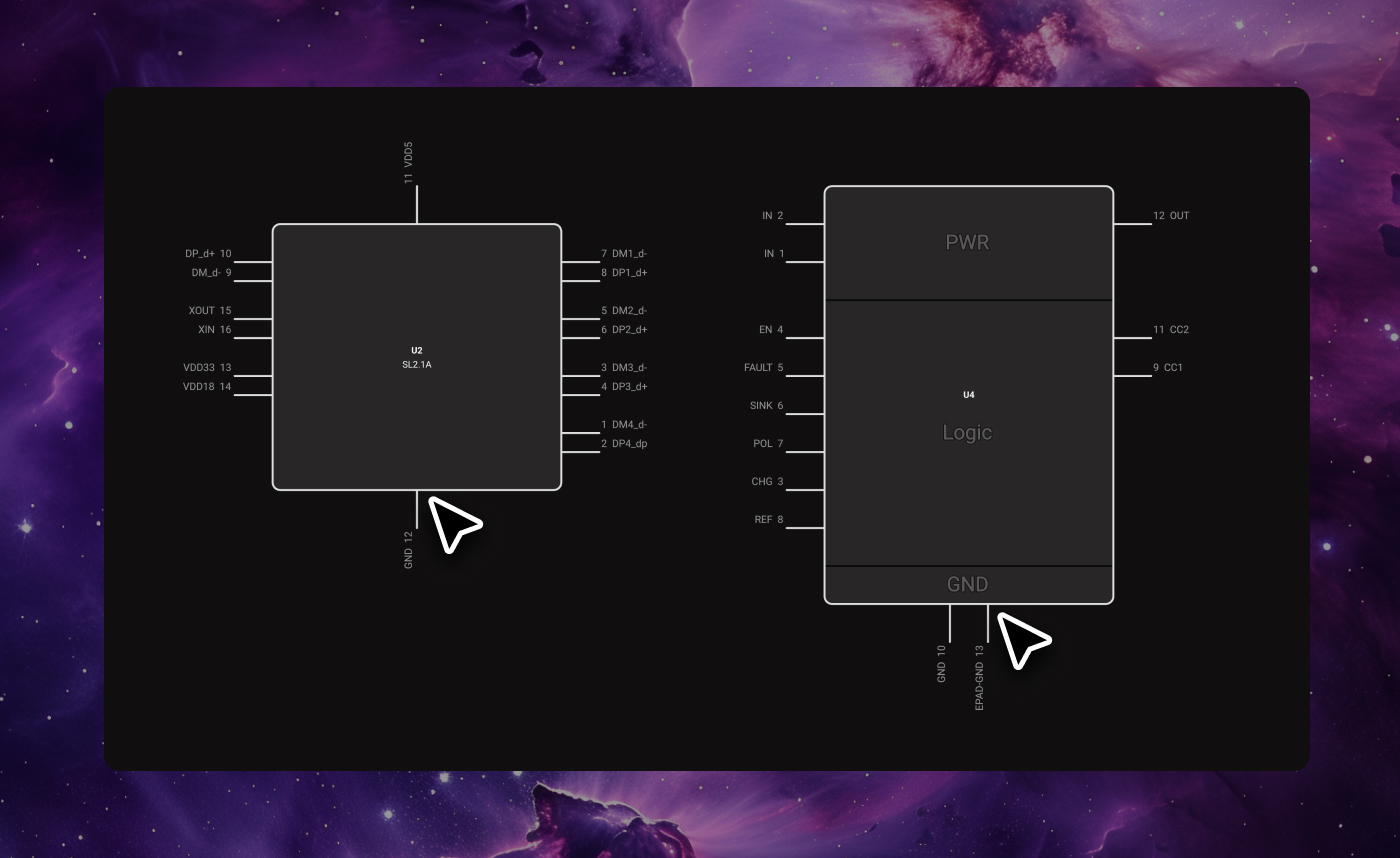
Flux now supports the placement of pins on top and bottom of parametric pins by specifying the Pin Orientation property.
Why it matters: This allows users to create clean and readable symbols.
Why it matters: Pad numbers don’t have to manually entered for each Terminal anymore speeding up the workflow greatly.
Why it matters: Certain properties are required for a high-quality BOM. We now automatically add Manufacturer Part Number, Manufacturer Name, Part Type, Datasheet URL, and Designator Prefix to ensure a strong baseline across symbols.
Flux is moving fast. The goal isn’t change for change’s sake — it’s to keep tightening the loop: faster iteration, fewer workflow breaks, and better support for the formats and tools you already use.
If there’s a part of your day-to-day flow that still feels slower than it should (or a paper cut you hit every session), tell us. Those are often the highest-leverage fixes, and they’re exactly what we’re prioritizing.


A practical guide to Design for Manufacturing (DFM) that helps hardware teams transition from validated prototypes to scalable, production-ready products.


Practical PCB layout and design strategies to reduce EMI and improve the chances of passing FCC and CE compliance testing on the first attempt.

A guide to evaluating hardware feasibility through requirements definition, component selection, BOM cost estimation, power budgeting, and early manufacturing risk identification.

Learn how to choose the right hardware architecture by comparing the unique engineering priorities of robotics, wearables, and IoT products.

A practical guide to hardware prototyping—from breadboard to custom PCB, through structured testing, verification, validation, and iterative revision.

How electrical, mechanical, and firmware teams can build effective collaboration workflows through design reviews, revision control, and engineering change management.

Avoid costly errors in your PCB design with these expert tips! Discover the 5 most common mistakes in trace width, vias, power planes, and more. Learn how Flux’s AI Copilot helps you catch these issues early, ensuring your board is ready for manufacturing.


Explore the key aspects of PCB thermal analysis and discover best practices for enhancing your PCB design. Understand how thermal conductivity impacts heat management and overall PCB functionality, leading to more reliable and efficient circuits.


