Design Reference Import Inquiry
Thought for 2 mins 13 sec
I’m sorry for the frustration. Here’s what the Flux documentation says about reusing an existing design in another project by adding it as a module:
“Using a module is no different from using regular parts. They have a symbol with terminals to connect it to the schematic, and pads to connect it to the rest of the layout. This allows you to use an existing PCB layout in new projects.
Adding a Module to a Project
You'll find publicly available modules in the library like you find other parts. To differentiate a module from a part look for the module icon.
Pro tip: you can enable the module filter to only get modules in the search result.
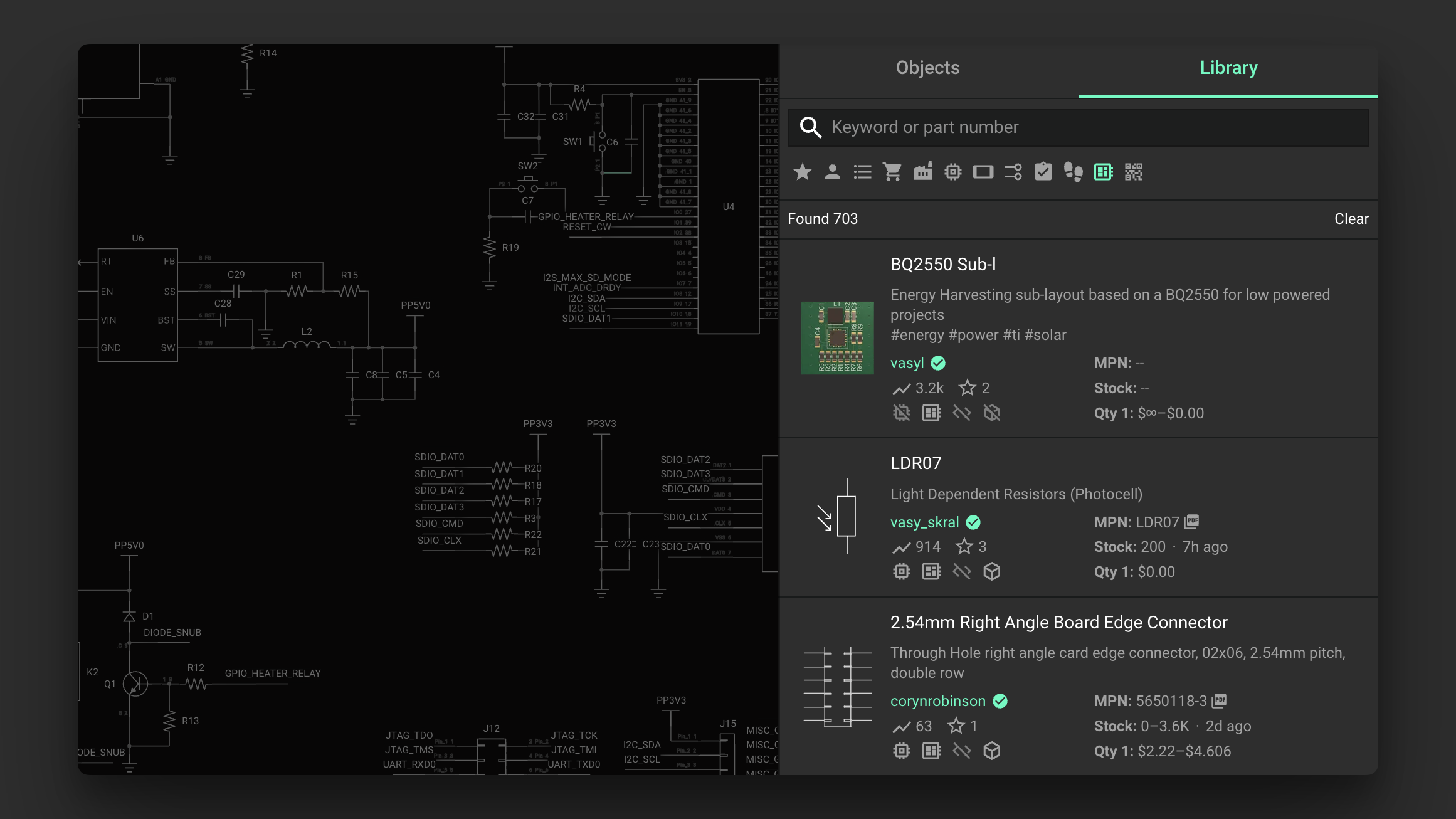
Image
Once you've found a module in the library, add it to your project by dragging it into the schematic. You can then connect the available pins on the module to other parts. The module then works like any other component!”
Source
If you want, tell me the name of the module you’re targeting and I’ll help you find it in the Library and get it placed.

can I convert this module into a project?
Thought for 1 min 10 sec
I’m sorry this has been frustrating.
I couldn’t find any Flux documentation that supports converting a module into a standalone project. This likely isn’t available in Flux right now.
- Flux Documentation: https://docs.flux.ai/Introduction/the-flux-method
- Documentation Search Results: https://docs.flux.ai/?s=module
- Flux User Community: https://www.flux.ai/p/slack-community
If you share the specific module link, I can check what documented options exist around it.
Share module link
Open module source
Fork vs clone
Convert to component
Make module editable