Power Supply Design Guidance
Thought for 1 min 6 sec
I found relevant documentation on Flux’s AI-Powered Auto-Layout feature, which you can use to generate a two-layer board:
OverviewAuto-Layout leverages Flux’s Copilot AI to handle the time-intensive task of routing your PCB. This tool is ideal for simple to medium-complexity boards and can significantly accelerate your workflow.
You can initiate Auto-Layout directly in the PCB editor. Here’s how:
- Switch to the PCB tab.
- Confirm your stackup is set to two layers (Top Copper & Bottom Copper) in Board Settings.
- Click Auto-Layout in the toolbar.
- In the Auto-Layout dialog, choose your preferred constraints and start the process.
Let me know if you’d like me to run Auto-Layout on your two-layer board now.
Thought for 1 min 5 sec
This is what the Flux documentation says about running Auto-Layout:
Getting Started Initiate Auto-Layout
- Make sure your schematic and component placement are finalized.
- Adjust any specific constraints for your board, such as dimensions, component orientations, or keep-out zones. Learn more.
- Confirm your credit allowance before starting. Auto-Layout consumes Copilot credits per job based on complexity. Learn more.
- Click on the auto-route button at the bottom of the page.
Image
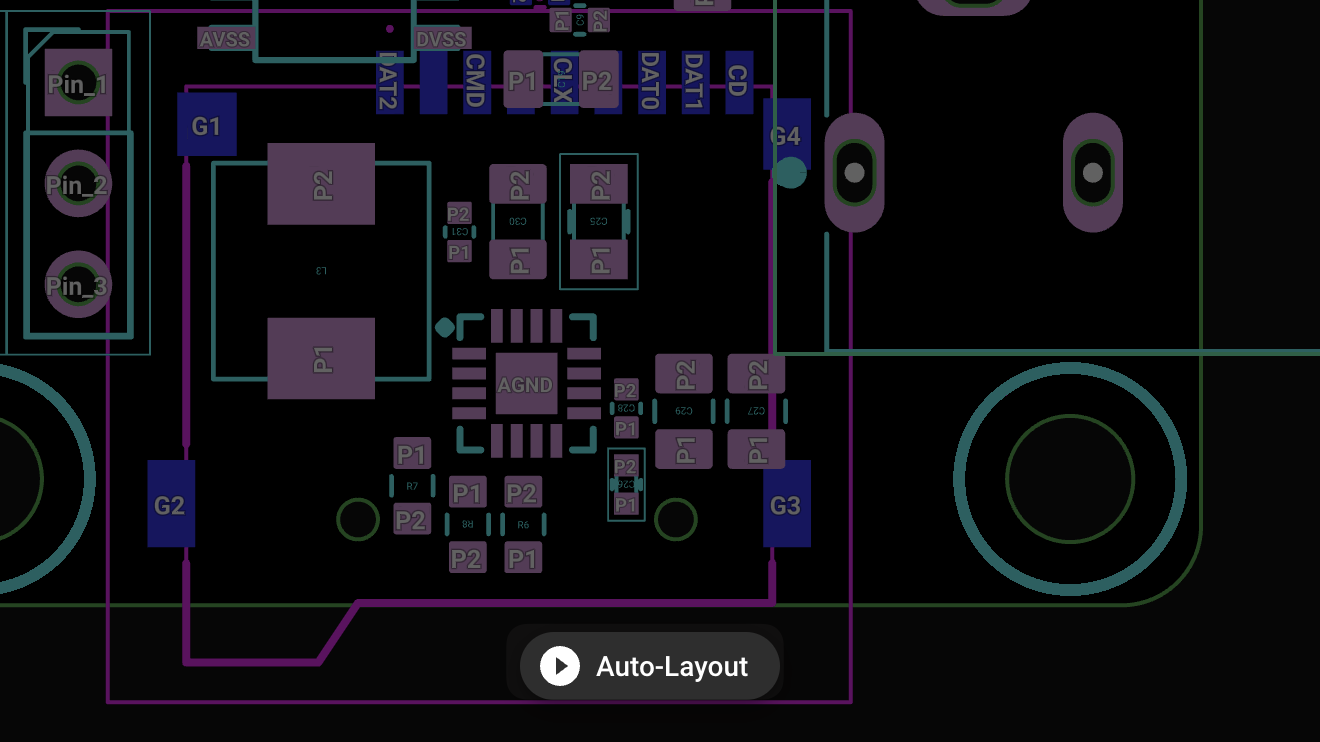
Start auto-layout
Check constraints
Confirm credits


