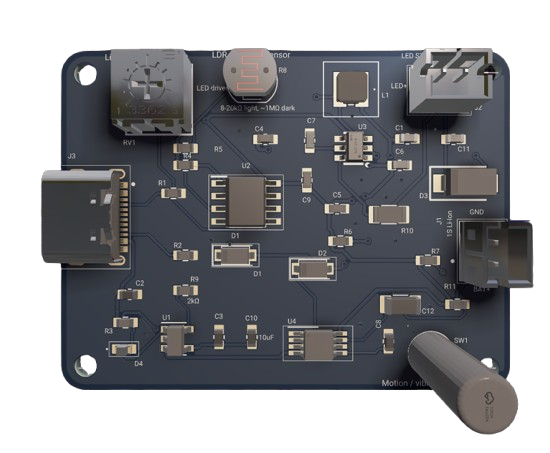
Analog Bicycle Light Schematic
Worked for 1 min 38 sec
The current board has no bottom artwork, so I’m adding a centered white product-style panel on bottom silkscreen only, sized to fit within the 45 × 34 mm outline.
Thought for 33 sec
The artwork was added, but the layer identifier needs correction from the generic bottom-silkscreen name to this board’s exact
Bottom Overlay layer.Worked for 10 sec
The editable layer value is
Bottom for standalone artwork on this stackup, so I’m applying that exact layer now.Worked for 1 min 34 sec
The artwork is now on the valid bottom-side layer. I’m visually checking the result and running DRC.
Worked for 11 sec
The layout checks are clean; I’m explicitly setting the PCB silkscreen color to white so the new bottom artwork renders as intended in 3D.
Worked for 57 sec
Updated only the PCB bottom-side artwork: added the bicycle/light graphic, divider lines, five feature descriptions with line icons, and centered “Flux” branding. Silkscreen color is set to white.
Remaining issues:
- None reported by DRC.
- Schematic, electrical connections, component placement, and routing were unchanged.
Review and export
Final manufacturing review
Verify BOM
Export fabrication files
Create assembly notes