Raspberry Pi 5 HAT Design
Thought for 33 sec
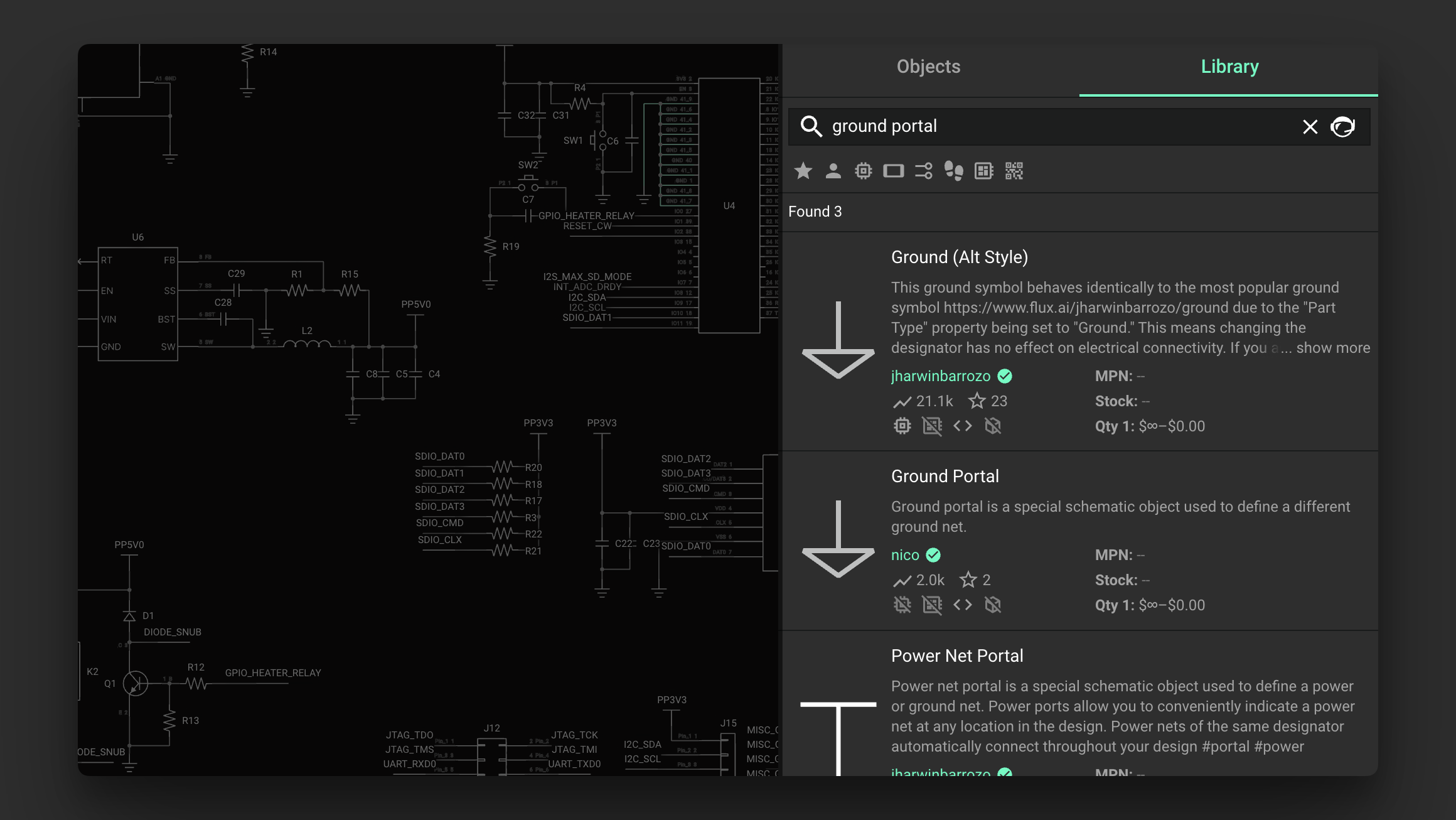
This is the most relevant entry I found related to the topic:
“Suppose you are designing a circuit with multiple grounds. For example, if you add a USB receptacle with a shield pin, you may want to handle the shield ground differently than the primary circuit’s ground. The solution to adding a second ground in Flux is through a portal with a ground symbol (Ground Portal) in the schematic.”“”Image

Where do I turn on GND net visibility in the editor?
Thought for 26 sec
I could not find relevant Flux documentation for a setting that turns on GND net line visibility in the schematic editor. That probably means this feature is not available in Flux.
Show net labels instead
Check hidden power nets
Schematic visibility options
To get started, talk to Flux or create a New Document.

Welcome 👋
Flux helps you build PCBs faster with an AI teammate!
Create your account to collaborate, stay updated, fork your own version, and get instant answers from our AI agent.