Identifying PTN16-F10115K1B1
Thought for 48 sec
This is the most relevant entry I found related to your question:
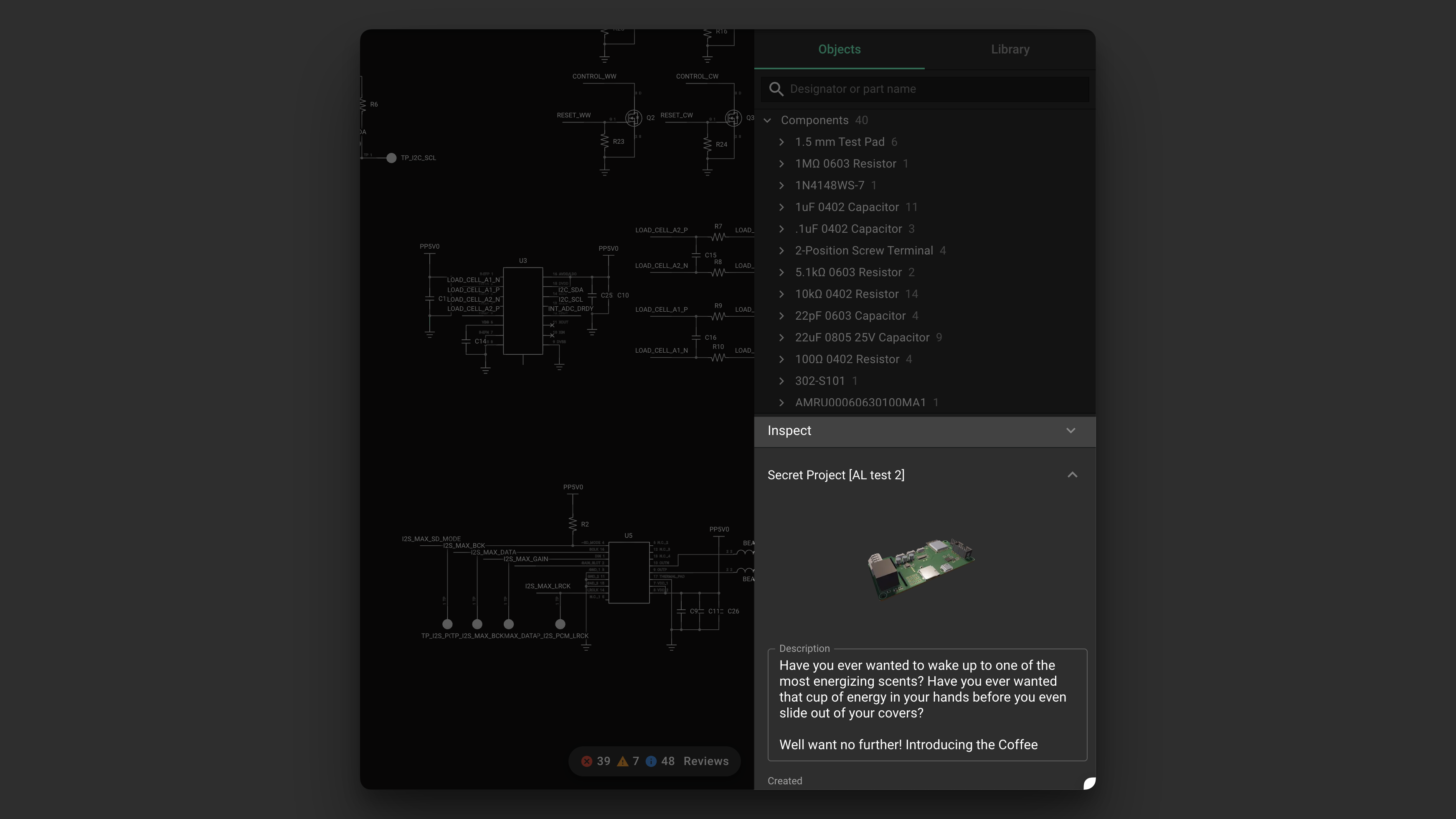
“Use the inspector to view more information and change configurations for components, objects, and the project. It's located inside the Inspect tab in the right drawer, a unit on the right side of the editor.
It's contextual to your selection. When an object is selected, you'll see info about that object. If no object is selected (like if you click on an empty section of the canvas), the inspector will show information about the project. It's also contextual to the mode you're in. When you're on the Schematic, you see different information than when you're on the PCB. And when you resize its width, it can show even more information.”
Image

Thought for 53 sec
This is the most relevant entry I found related to your question:
“The Inspector panel on the right side shows contextual information about the selected object. When nothing is selected, the inspector shows document-level information like the description, assets, and other properties. When a part is selected, it shows contextual information about it.
The Inspector includes several important sections:
Controls: allows users to add controls to interact with simulator models
Properties: carry additional part metadata like Manufacturer part number, value, etc.
Pricing and Availability: Flux automatically searches for pricing and availability in parts with a MPN.
Assets: Leverage existing files (STEP, SVG, etc.) to use as footprints, pad, silk, or board shapes inside Flux designs.
Simulation: controls simulation parameters for the global project or selected part.”
Clarify which editor
Resize inspector drawer
Selection context issue
Account/plan limitation
Right drawer tab missing
To get started, talk to Flux or create a New Document.

Welcome 👋
Flux helps you build PCBs faster with an AI teammate!
Create your account to collaborate, stay updated, fork your own version, and get instant answers from our AI agent.