jordanstepney

/

All changes saved

0

0

Files

Schematic

PCB

Log InSign Up

Setup Schematic Components

flux

0:49

Reading docs about How to initiate Auto-Layout autorouter in Flux for a 2-layer board: start the job, choose layers, set rules, route all airwires, and review results..

This is the most relevant entry I found related to your request. Quoting the “Initiate Auto-Layout” section verbatim:
“## Getting Started
Initiate Auto-Layout
  1. Make sure your schematic and component placement are finalized.
    1. Adjust any specific constraints for your board, such as dimensions, component orientations, or keep-out zones. Learn more.
    2. Confirm your credit allowance before starting. Auto-Layout consumes Copilot credits per job based on complexity. Learn more.
  2. Click on the auto-route button at the bottom page.
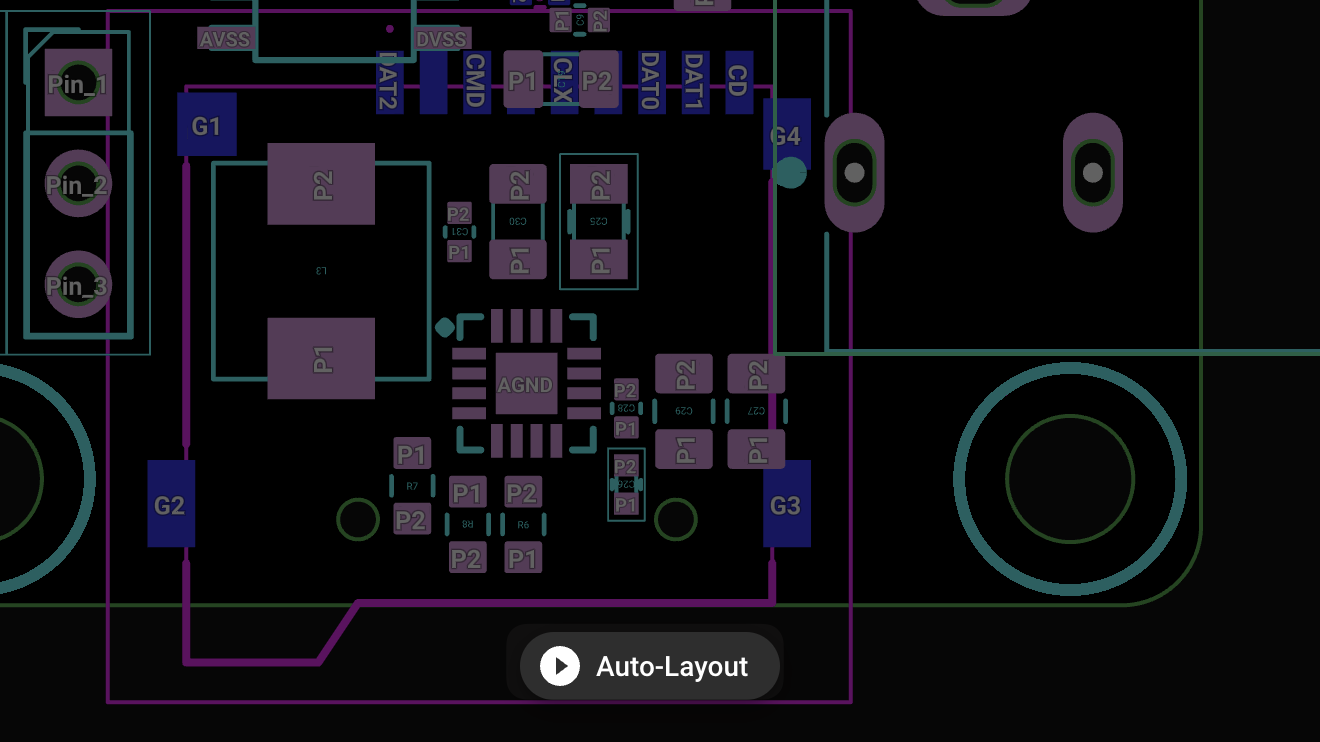
Image

Image

Understanding the States of the Process
Auto-Layout operates in several stages:” Source
Start auto-layout
Check schematic finalization
Verify credit usage
Adjust board constraints
Learn more constraints
193 days

​
Sign up to send

To get started, talk to Flux or create a New Document.

Reviews

Documents

    Documents are markdown text files which describe project goals, capture details, or even simulation outputs.

    Assets

    Assets are files uploaded to this project which can be used in various ways.

    National Rose TV Glasses thumbnail
    Ultra-Minimal 8-Channel 3.3V Sensor Interface Board Using Seeed XIAO SAMD21 & LMC6484IMX-TI on Compact 80×25mm PCB

    Properties

    mm
    mm
    mm
    mm

    Pricing & Availability

    Distributor

    Qty 1

    Arrow

    $5.22

    Digi-Key

    $19.15–$481.47

    LCSC

    $29.13

    Mouser

    $15.68–$575.28

    Verical

    $5.53–$5.57

    Controls

    Welcome 👋

    Flux helps you build PCBs faster with an AI teammate!

    Create your account to collaborate, stay updated, fork your own version, and get instant answers from our AI agent.

        Introducing AI Placement!
        AI Placement Demo

        AI-Powered Component Placement

        Let AI place your components intelligently. AI Placement analyzes your schematic and positions components for optimal routing, signal integrity, and board density.

        From Schematic to Layout in Seconds

        Skip the tedious manual placement. AI Placement generates a starting layout you can refine, saving hours of repetitive work on every new design.

        Works With Auto-Layout

        Pair AI Placement with Auto-Layout for a complete AI-driven PCB design flow — from component placement through trace routing, all with one click.

        Try it