PCB Edge Clearance Check

1:03

Addressing user issue.

Querying help tool.

Reading docs about 3D PCB view is blank after using Zoom to Fit. How to restore or reset the camera in Flux? Steps to toggle between 2D and 3D, use View Mode toggle, recenter, zoom to fit behavior, troubleshooting display issues, WebGL, and resetting the viewer..

Reading docs about How to reset or recenter the PCB viewer in Flux. Restore 3D camera or viewport after Zoom to Fit. Steps to switch view modes or reset camera..

Fetching guidance from help.

Formulating the answer.

This is the most relevant entry I found related to the 3D view:
“What About 3D View?
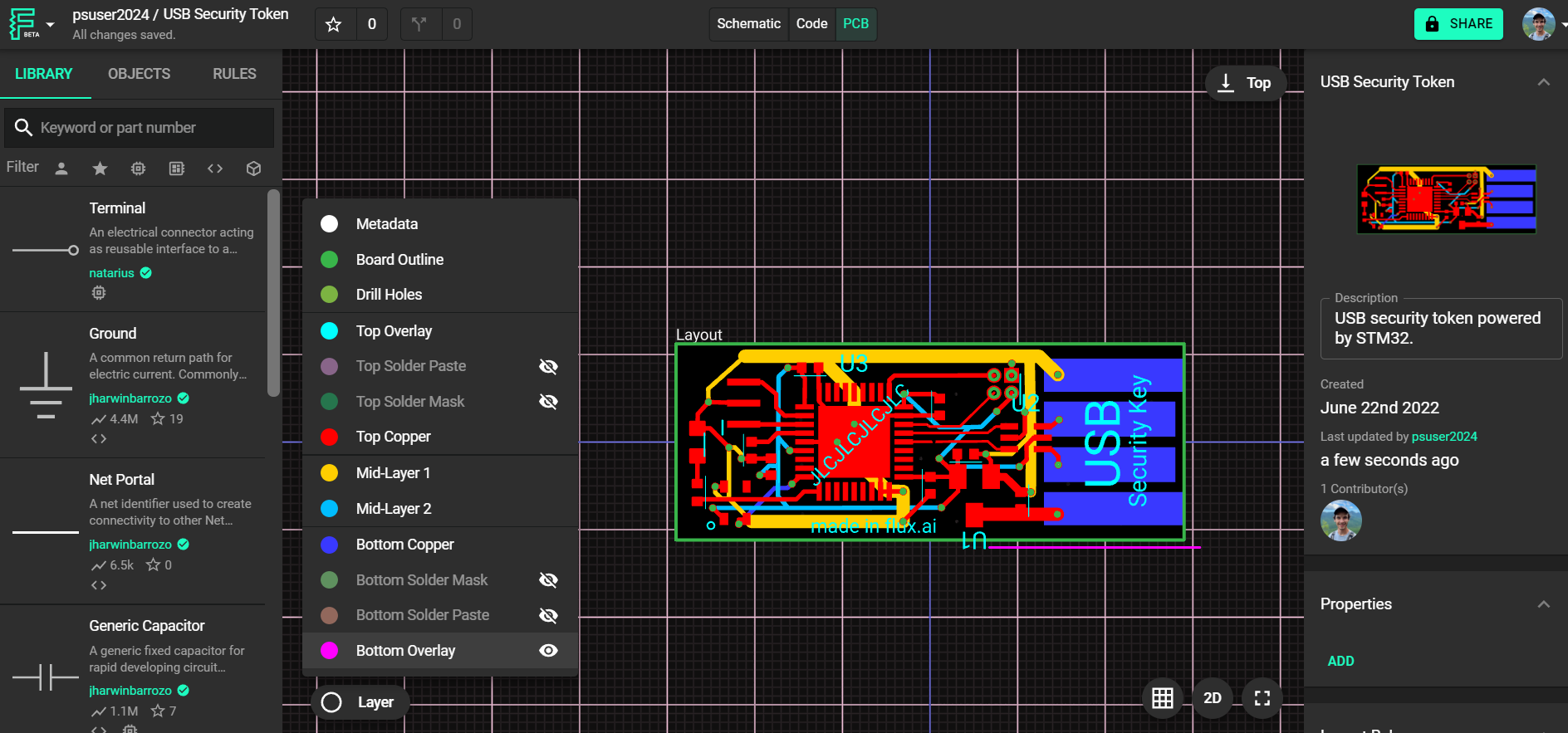
The 3D PCB view is optimized for a high-level, realistic visualization of your board. It doesn’t include layer selection controls. Here’s what you can and can’t configure:
What You Can Do in 3D View:
  • Rotate, pan, and zoom the board to inspect the overall geometry.
  • See stacked vias, components, and general board structure.
  • Visually confirm copper pours and silkscreen placement.
What You Can’t Do:
  • You cannot toggle individual layer visibility.
  • You cannot hide or isolate specific copper layers or metadata layers (like net or DRC overlays).
If you need to inspect specific layers or debug layer-specific issues, switch back to the 2D view using the View Mode toggle in the top toolbar.”
Image

Image

60 days
@help where’s the View Mode toggle to switch back to 3D in the PCB editor?
60 days

0:53

Evaluating tool priorities.

Reading docs about Where is the View Mode toggle in the PCB editor to switch between 2D and 3D view? How to get back to 3D after switching to 2D..

Planning tool response.

Crafting the response.

Formulating the response.

Here’s the most relevant entry I found related to the View Mode toggle:
“If you need to inspect specific layers or debug layer-specific issues, switch back to the 2D view using the View Mode toggle in the top toolbar.”
Find 3D View Mode toggle
Switch 2D/3D shortcut
3D view missing
60 days

To get started, talk to Flux or create a New Document.

Documents

    Documents are markdown text files which describe project goals, capture details, or even simulation outputs.

    Assets

    No assets added.

    motor connect board v3 (buck) v2

    motor connect board v3 (buck) v2 thumbnail
    connects driver to motors and provides 3.3V from buck regulator

    Properties

    Properties describe core aspects of the project.

    Pricing & Availability

    Distributor

    Qty 1

    Controls