PCB Routing Assistance

Image
Image
Image
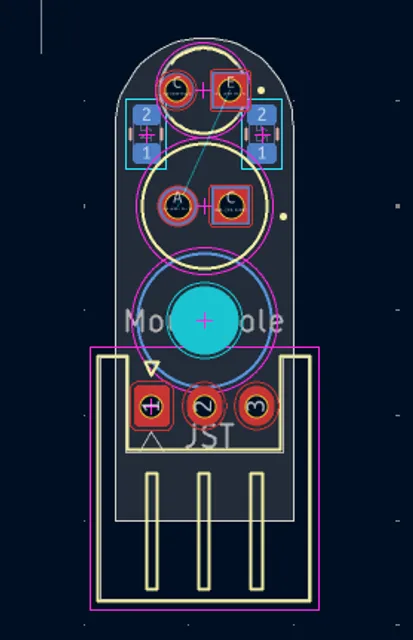
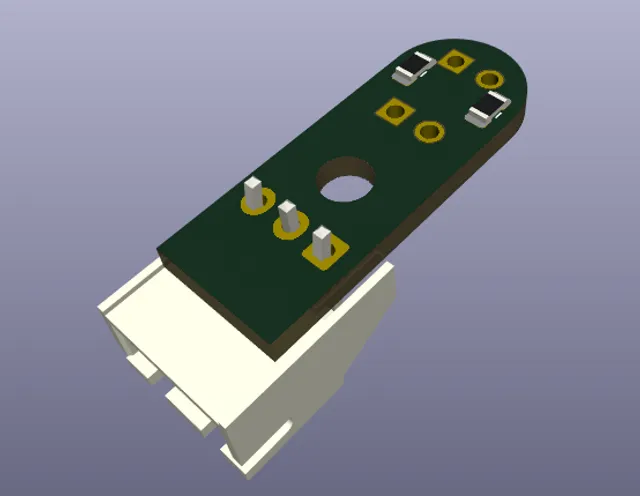
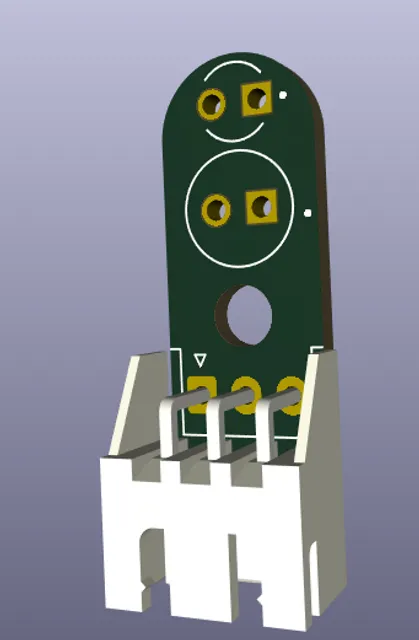
route my pcb, here are the top and bottom views
Thought for 8 sec
I can’t route the PCB right now because this workspace has no available ACUs, so AI execution tools are unavailable.
Current project state:
- The project was just created.
- No schematic components or PCB nets are currently present in Flux for me to route.
- You provided top/bottom PCB screenshots showing the intended board geometry and connector/mechanical layout.
What remains to be done once ACUs are available:
- Recreate or import the schematic/PCB into Flux.
- Define the actual nets between the 3-pin connector, pads, resistors/LEDs or sensor contacts.
- Route the PCB traces and verify airwires/DRC.
- Confirm top/bottom routing matches the physical views you provided.
Recreate schematic
Identify nets
Set board outline
Run ERC/DRC
No schematic yet
Talk to Flux to get started.
