UART to RS232 Converter Design
Thought for 53 sec
According to the Flux documentation:
Configuring trace width at net level
- Navigate to the PCB Editor
- Select the trace segment you want to modify the width.
- In the right-hand panel, navigate to “Object Specific Rules”.
- Select the “Edit” button and then select “Add”.
- Search for
Trace Widthin the rule selector and select “Add”.
- You can also add “
Trace Width Maximum” and “Trace Width Minimum” to further constrain the width.- In the property’s field, enter the desired trace width.
Setting up trace width at a net level ensures that every trace segment in that net will have the correct width.Image
- Navigate to the PCB Editor
- Select “Objects” on the left panel and select the net node you want to modify.
- Tip: It can be helpful to rename the nets using the designator for quick future reference.
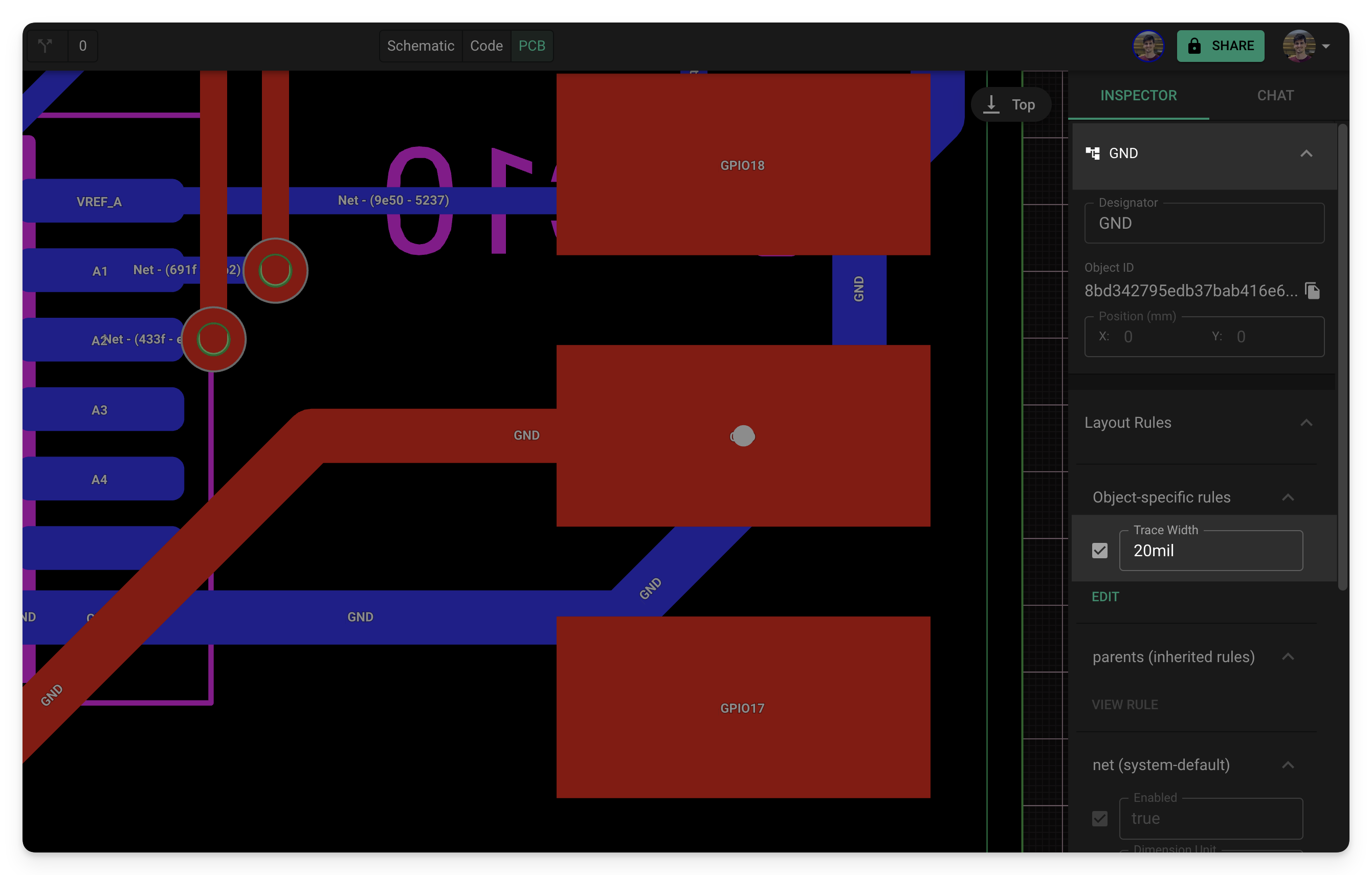
Source: Flux Documentation
Apply object rule
Configure net width
Trace rule steps
Power net selector
To get started, talk to Flux or create a New Document.

Welcome 👋
Flux helps you build PCBs faster with an AI teammate!
Create your account to collaborate, stay updated, fork your own version, and get instant answers from our AI agent.